
 English
 Slovenčina
 Français
 Magyar

Why Teams Move Off Freshdesk: Understanding the Limitations

Many businesses initially choose Freshdesk for its user-friendly interface and reasonable entry-level pricing. However, as companies grow and support needs evolve, several limitations often prompt teams to explore alternatives:
- Pricing ceilings: While Freshdesk offers an attractive entry point, costs escalate significantly as you add agents, channels, or AI capabilities. The modular pricing structure (separate products for ticketing, omnichannel, chat, and telephony) means total costs can quickly exceed initial expectations.
- Limited omnichannel depth: Although Freshdesk offers multiple channel options, they’re often sold as separate products (Freshdesk Support, Freshdesk Omni, Freshchat, Freshcaller). This fragmentation can create disjointed experiences and higher total costs.
- AI constraints: Freddy AI’s capabilities, while useful, often require additional per-agent fees (~$29/agent/month) or session-based pricing (approximately $100 per 1,000 sessions) that doesn’t roll over monthly, making costs unpredictable during traffic spikes.
- Integration complexity: Connecting Freshdesk with CRMs and other business systems often requires middleware, custom development, or task-based connectors that add costs and technical overhead.
- Enterprise feature gaps: Advanced workforce management, quality assurance, and sophisticated routing capabilities are either limited or require higher-tier plans.
For SMBs and e-commerce businesses in particular, these limitations can impact both customer experience and operational efficiency as support volume grows.
What a Better Freshdesk Alternative Must Deliver in 2025

When evaluating Freshdesk alternatives, focus on these essential capabilities that modern support platforms should provide:
- AI-native live chat and automation: Look for platforms with integrated AI that can effectively handle routine inquiries while seamlessly escalating complex issues to human agents.
- Unified omnichannel inbox: Seek solutions that offer true omnichannel support (email, chat, social, voice) in a single interface without requiring multiple product purchases.
- Transparent, predictable pricing: Evaluate platforms with straightforward pricing models that don’t hide costs in add-ons, session packs, or separate modules.
- Robust analytics and reporting: Prioritize platforms with built-in analytics that provide actionable insights on team performance, customer satisfaction, and operational efficiency.
- Flexible workflow customization: Choose platforms that allow you to tailor workflows to your specific business needs without requiring developer resources.
- Seamless CRM integration: Select platforms that connect smoothly with your existing customer data systems to provide agents with complete customer context.
How We Evaluated Freshdesk Alternatives: Our Methodology

To provide an objective comparison, we evaluated each Freshdesk alternative across several real-world scenarios:
- E-commerce support with live chat and AI chatbots: How effectively does each platform handle high-volume customer inquiries about orders, returns, and product information?
- SMB omnichannel support: How well does each solution manage communication across multiple channels for small and mid-sized businesses?
- ITSM handoffs and technical support: How smoothly does each platform facilitate escalations from support to technical teams?
- CRM-driven customer service: How effectively does each platform integrate with CRM systems to provide comprehensive customer context?
For each scenario, we assessed key factors including ease of implementation, agent experience, customer satisfaction, cost efficiency, and scalability. Our evaluation combines vendor documentation, user reviews, and hands-on testing to provide a comprehensive analysis.
Talkees vs Freshdesk: AI-First Omnichannel for Modern Support Teams
Overview
Talkees is an AI-first customer support platform designed to deliver exceptional omnichannel experiences with flexible workflows and SMB-friendly pricing. Unlike Freshdesk’s modular approach, Talkees provides a truly unified platform where all channels, AI capabilities, and analytics are included in a single solution.
Key Features
- Advanced AI chatbot: Resolves up to 80% of common inquiries autonomously across multiple channels
- Unified omnichannel inbox: Manages email, chat, social, and messaging apps in one interface
- Flexible workflow automation: Creates custom workflows without coding
- Comprehensive analytics: Provides actionable insights on team performance and customer satisfaction
- Seamless CRM integration: Connects with major CRM platforms to provide complete customer context
Pricing
Talkees offers transparent, predictable pricing with all features included:
- Starter: $39/agent/month (billed annually)
- Professional: $69/agent/month (billed annually)
- Enterprise: Custom pricing for larger teams
AI resolution is priced at $1 per resolved ticket, making costs predictable and directly tied to value received. Unlike Freshdesk’s non-rollover session packs, you only pay for successful resolutions.
User Experience
Talkees delivers an intuitive, modern interface that requires minimal training. Agents consistently praise the platform’s ease of use and the contextual information provided during customer interactions. The unified inbox eliminates the need to switch between multiple tools, significantly improving agent efficiency.
Real User Reviews
“We switched from Freshdesk to Talkees and saw an immediate improvement in our resolution times. The AI chatbot handles about 70% of our routine inquiries, and our agents love having all customer information in one place.” – E-commerce Support Manager
“Talkees’ pricing model is refreshingly transparent. We know exactly what we’re paying for, and the per-resolution AI pricing means we only pay for successful outcomes.” – SaaS Customer Success Director
Our Subjective Assessment
During our testing, Talkees impressed us with its balance of power and simplicity. The AI capabilities are genuinely useful rather than merely flashy, resolving a significant percentage of routine inquiries while knowing when to hand off to human agents.
The unified interface is a standout feature, providing a seamless experience across all channels. We particularly appreciated how the platform presents relevant customer information alongside conversations, eliminating the need for agents to hunt for context.
While newer to the market than some competitors, Talkees demonstrates a deep understanding of modern support needs, especially for SMBs and e-commerce businesses that need sophisticated capabilities without enterprise complexity or costs.
Advantages and Limitations
Advantages:
- Truly unified omnichannel experience without separate products
- Transparent, predictable pricing with pay-per-resolution AI model
- Intuitive interface requiring minimal training
- Powerful automation capabilities accessible to non-technical users
- Excellent for e-commerce and SMB use cases
Limitations:
- Newer platform with a growing (but not yet extensive) marketplace
- Enterprise-grade features still evolving
- May not be ideal for complex ITSM use cases
Zendesk vs Freshdesk: Enterprise-Grade Depth at Scale

Overview
Zendesk is a well-established customer service platform known for its robust feature set, extensive marketplace, and enterprise capabilities. Compared to Freshdesk, Zendesk offers more advanced routing, workforce management, and analytics, though often at a higher price point.
Key Features
- Comprehensive suite: Ticketing, chat, voice, knowledge base, and community forums
- Advanced AI: Zendesk AI trained on over 18 billion interactions
- Extensive marketplace: 1,500+ integrations and apps
- Sophisticated workflow tools: Advanced routing, macros, and automations
- Enterprise-grade analytics: Detailed reporting and custom dashboards
Pricing
- Support Team: $19/agent/month (billed annually)
- Suite Team: $55/agent/month (billed annually)
- Suite Growth: $89/agent/month (billed annually)
- Suite Professional: $115/agent/month (billed annually)
Advanced features like AI, workforce management ($25/agent/month), and quality assurance ($35/agent/month) often require additional fees.
User Experience
Zendesk provides a powerful, highly customizable interface that can handle complex support operations. However, this power comes with a steeper learning curve than Freshdesk. The platform excels at managing high-volume, multi-channel support operations for larger organizations.
Real User Reviews
“Zendesk’s depth is unmatched for our enterprise needs. The reporting capabilities and workflow tools allow us to manage a complex global support operation efficiently.” – Enterprise Support Director
“We migrated from Freshdesk to Zendesk for the advanced routing and WFM capabilities. The transition required significant planning, but the improved efficiency was worth it.” – Mid-Market Support Manager
Our Subjective Assessment
During our evaluation, Zendesk demonstrated why it remains a market leader, particularly for larger organizations. The platform’s depth and flexibility are impressive, allowing for highly customized workflows and reporting.
The AI capabilities are genuinely helpful, with agent assistance features that noticeably improve efficiency. However, the platform’s complexity can be overwhelming for smaller teams, and the total cost of ownership is significantly higher than Freshdesk when including necessary add-ons.
The extensive marketplace is a major advantage, offering integrations for virtually any business need. However, this can also lead to a “death by add-ons” scenario where costs quickly escalate beyond initial expectations.
Advantages and Limitations
Advantages:
- Comprehensive enterprise capabilities
- Extensive marketplace and integration options
- Advanced routing and workflow tools
- Sophisticated reporting and analytics
- Strong AI trained on billions of interactions
Limitations:
- Higher total cost of ownership
- Steeper learning curve
- Complex implementation for full feature utilization
- Add-on pricing for advanced features can significantly increase costs
Zoho Desk vs Freshdesk: Suite Value and CRM Alignment
Overview
Zoho Desk offers a compelling alternative to Freshdesk, particularly for businesses already using other Zoho products. Its deep integration with Zoho’s ecosystem provides seamless connectivity with CRM, analytics, and business applications at a lower price point than Freshdesk.
Key Features
- Native Zoho ecosystem integration: Seamless connection with Zoho CRM, Analytics, and other Zoho applications
- Zia AI assistant: Sentiment analysis, anomaly detection, and reply suggestions
- Context-aware help desk: Provides customer context from across the Zoho ecosystem
- Multi-department support: Department-specific layouts and workflows
- Process automation: Visual workflow builder (Blueprints)
Pricing
- Free plan: Up to 3 agents
- Standard: $14/agent/month (billed annually)
- Professional: $23/agent/month (billed annually)
- Enterprise: $40/agent/month (billed annually)
Zoho Desk generally offers more features at lower price points compared to equivalent Freshdesk tiers.
User Experience
Zoho Desk provides a clean, intuitive interface with department-specific layouts that can be customized for different teams. The platform’s deep integration with the Zoho ecosystem is a significant advantage for existing Zoho customers, providing comprehensive customer context without complex integrations.
Real User Reviews
“As a Zoho CRM user, adding Zoho Desk was a no-brainer. The seamless integration gives our support team complete visibility into customer interactions across sales and support.” – SMB Business Owner
“We switched from Freshdesk to Zoho Desk and saved nearly 40% on our annual support costs while gaining better CRM integration and reporting.” – SaaS Support Manager
Our Subjective Assessment
During our testing, Zoho Desk impressed us with its balance of functionality and value. The platform offers many of the same capabilities as Freshdesk at a lower price point, particularly at the mid and higher tiers.
The Blueprints feature for visual workflow automation is particularly powerful, allowing non-technical users to create sophisticated processes. The Zia AI assistant, while not as advanced as some competitors, provides useful sentiment analysis and anomaly detection.
The platform’s greatest strength is its native integration with the Zoho ecosystem. For businesses already using Zoho CRM or other Zoho products, Zoho Desk provides a level of integration that would require significant custom development with Freshdesk.
Advantages and Limitations
Advantages:
- Excellent value at all pricing tiers
- Deep integration with Zoho ecosystem
- Powerful visual workflow automation
- Department-specific customization
- Lower total cost of ownership than Freshdesk
Limitations:
- Less extensive third-party marketplace than Freshdesk
- AI capabilities not as advanced as some competitors
- May not be ideal for organizations not using other Zoho products
- Some advanced features only available in higher tiers
Intercom vs Freshdesk: Proactive Messaging for Product-Led Support
Overview
Intercom takes a fundamentally different approach to customer support compared to Freshdesk, focusing on proactive, conversational engagement rather than traditional ticketing. This makes it particularly well-suited for product-led companies seeking to engage users in-app and reduce support tickets through proactive assistance.
Key Features
- Conversational support: In-app messaging, targeted outbound messages, and chatbots
- Product tours: Guided in-app onboarding and feature discovery
- Fin AI agent: Autonomous resolution of common inquiries
- Proactive messaging: Behavior-triggered outreach to prevent issues
- Customer data platform: Rich user context and segmentation
Pricing
- Essential: $29/seat/month (billed annually)
- Advanced: $85/seat/month (billed annually)
- Expert: $132/seat/month (billed annually)
Fin AI is priced at $0.99 per resolution with a 50-resolution monthly minimum.
User Experience
Intercom provides a modern, conversation-focused interface that excels at in-app engagement. The platform’s strength lies in proactive support and engagement rather than traditional ticket management, making it ideal for product-led companies but potentially less suitable for high-volume customer service operations.
Real User Reviews
“Intercom transformed how we support our users. Instead of waiting for tickets, we proactively guide users through our product, significantly reducing support volume.” – SaaS Product Manager
“The in-app messaging and product tours have dramatically improved our onboarding experience. However, we found the pricing unpredictable as we scaled.” – B2B SaaS Customer Success Lead
Our Subjective Assessment
During our evaluation, Intercom stood out for its proactive approach to customer engagement. The in-app messaging and product tours are exceptionally well-designed, providing contextual assistance that prevents many support issues before they occur.
The Fin AI agent is impressive, resolving a significant percentage of routine inquiries autonomously. However, the per-resolution pricing model can make costs unpredictable, especially during high-traffic periods.
Intercom’s greatest strength is also its limitation: it excels at conversational, in-app support but may not be the best choice for businesses that need traditional ticketing capabilities or handle support across many external channels. The platform is best suited for product-led SaaS companies that want to engage users within their application.
Advantages and Limitations
Advantages:
- Superior in-app engagement capabilities
- Excellent proactive messaging and product tours
- Effective AI resolution for common inquiries
- Rich customer data and segmentation
- Ideal for product-led growth strategies
Limitations:
- Less suitable for traditional ticketing workflows
- Pricing can escalate quickly at scale
- Limited capabilities for complex, multi-step support processes
- Not ideal for high-volume email or phone support
Help Scout vs Freshdesk: Human-Centric Email Support Without Bloat
Overview
Help Scout offers a refreshingly straightforward approach to customer support, focusing on email-centric, conversation-based interactions rather than complex ticketing. Compared to Freshdesk, Help Scout provides a simpler, more human-centric experience with less overhead.
Key Features
- Shared inbox: Collaborative email management with collision detection
- Conversation continuity: Preserves thread context across touchpoints
- Beacon chat widget: Contextual in-app assistance
- Knowledge base: Self-service support with contextual suggestions
- AI tools: AI Drafts, AI Summarize, and AI Assist for agent augmentation
Pricing
- Standard: $25/user/month (billed annually)
- Plus: $45/user/month (billed annually)
- Pro: $75/user/month (billed annually)
- Free plan: Available for up to 5 users
AI Answers is priced at $0.75 per resolution, applying only when AI successfully resolves a request.
User Experience
Help Scout delivers an intuitive, email-like interface that requires minimal training. The platform emphasizes conversation quality and continuity over complex ticketing processes, making it particularly well-suited for teams that prioritize personalized customer interactions.
Real User Reviews
“We switched from Freshdesk to Help Scout because we wanted a more human approach to support. Our CSAT scores improved immediately, and our agents love the simpler workflow.” – E-commerce Support Lead
“Help Scout’s conversation-based approach works perfectly for our team. We don’t need complex ticketing features—we just want to have great conversations with our customers.” – Small Business Owner
Our Subjective Assessment
During our testing, Help Scout impressed us with its focus on simplicity and conversation quality. The platform strips away unnecessary complexity, providing just what’s needed for effective email-based support without the overhead of traditional ticketing systems.
The shared inbox approach feels natural and intuitive, requiring virtually no training for new agents. The collision detection and internal notes features facilitate seamless team collaboration without complex workflows or assignments.
Help Scout’s AI tools take a distinctly human-centric approach, focusing on augmenting agents rather than replacing them. AI Drafts and AI Assist help agents write better responses faster, while preserving the human touch in customer communications.
While Help Scout may not offer the breadth of features found in Freshdesk, its focused approach delivers exceptional value for businesses that primarily support customers via email and prioritize conversation quality over complex ticketing processes.
Advantages and Limitations
Advantages:
- Intuitive, email-like interface requiring minimal training
- Conversation-focused approach preserving context
- Human-centric AI tools that augment rather than replace agents
- Simple, transparent pricing
- Excellent for small to mid-sized teams
Limitations:
- Limited omnichannel capabilities compared to Freshdesk
- Not ideal for complex, process-heavy support operations
- Fewer integrations than larger platforms
- May not scale as effectively for very large teams
For a deeper breakdown of features and costs, see our full help scout vs freshdesk comparison focused on ticketing, automation, and scalability.
HubSpot Service Hub vs Freshdesk: CRM-Native Service with Shared Customer Context
Overview
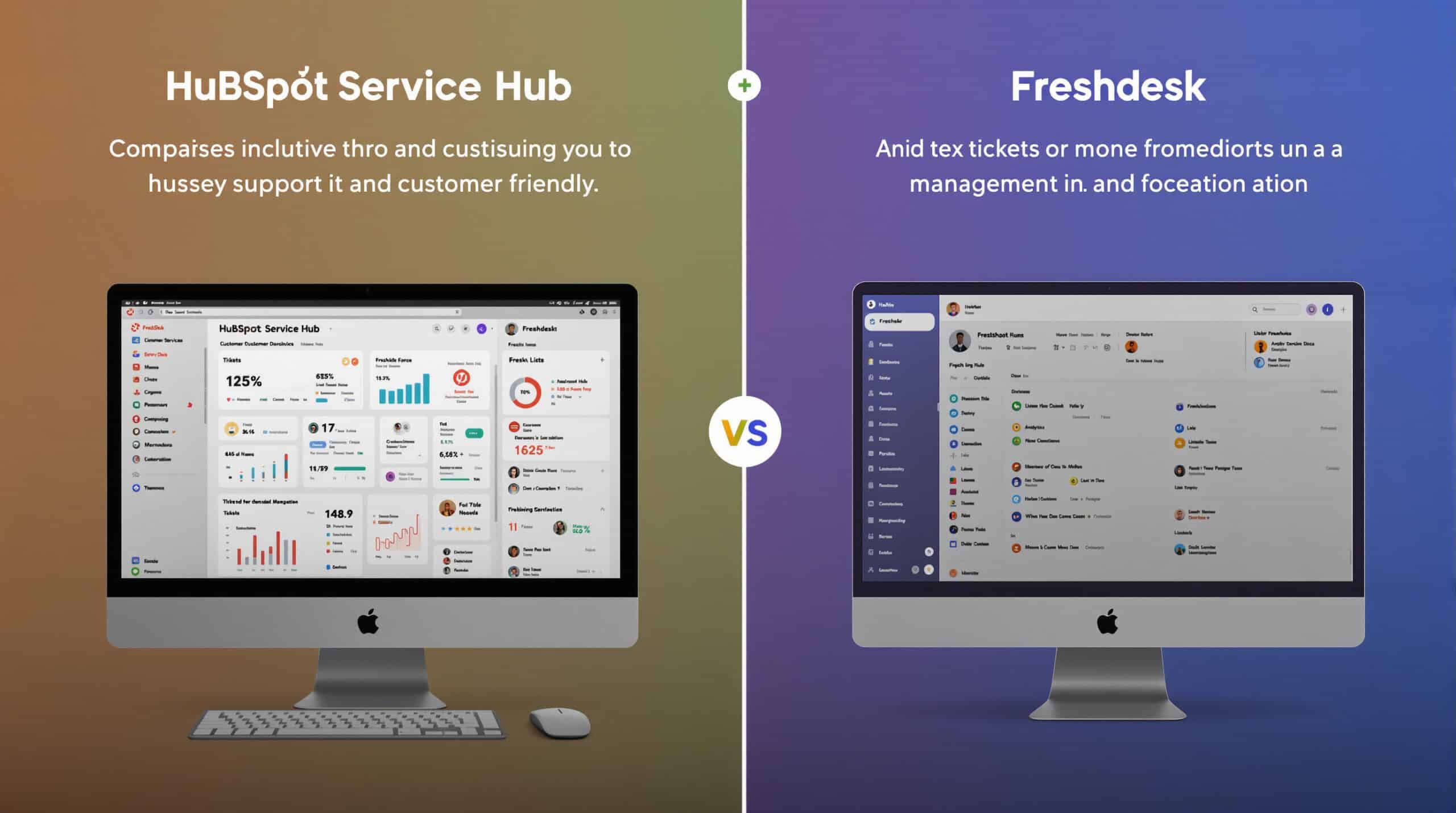
HubSpot Service Hub offers a fundamentally different approach to customer support compared to Freshdesk, integrating support directly with HubSpot’s CRM platform. This native integration provides comprehensive customer context and enables seamless collaboration across marketing, sales, and service teams.
Key Features
- CRM-native ticketing: Support tickets linked directly to customer records
- Unified customer timeline: Complete history of customer interactions across departments
- Conversational tools: Live chat, chatbots, and team email
- Knowledge base: Self-service content with SEO optimization
- Customer feedback: NPS, CSAT, and custom surveys integrated with customer records
Pricing
- Free tools: Basic features available at no cost
- Starter: $20/month (includes 2 paid users)
- Professional: $800/month (includes 5 paid users)
- Enterprise: $3,200/month (includes 10 paid users)
Professional and Enterprise tiers typically require onboarding services ($1,500-$3,500).
User Experience
HubSpot Service Hub provides a clean, intuitive interface that will be familiar to existing HubSpot users. The platform’s strength lies in its seamless integration with HubSpot’s CRM, providing comprehensive customer context without complex integrations or data syncing.
Real User Reviews
“The integration between support and our CRM data is seamless with HubSpot Service Hub. Our agents have complete customer context, and our sales team can see support history before renewal calls.” – B2B SaaS Customer Success Director
“We migrated from Freshdesk to HubSpot Service Hub to unify our customer data. The implementation required significant planning, but having a single source of truth for customer information has been transformative.” – Mid-Market Marketing Director
Our Subjective Assessment
During our evaluation, HubSpot Service Hub demonstrated the power of truly integrated customer service. The platform’s native connection to HubSpot’s CRM provides a level of customer context that would require complex integration work with standalone platforms like Freshdesk.
The unified customer timeline is particularly impressive, giving agents immediate access to the complete history of customer interactions across marketing, sales, and service. This comprehensive context enables more personalized support and prevents customers from having to repeat information.
While Service Hub may not offer the depth of ticketing features found in dedicated platforms like Freshdesk, its integrated approach delivers significant advantages for businesses that prioritize a unified customer view. The platform is particularly well-suited for B2B companies with complex customer relationships spanning marketing, sales, and support.
The pricing model, with its minimum user counts for Professional and Enterprise tiers, can make Service Hub more expensive than Freshdesk for small teams. However, for organizations already using HubSpot’s CRM, the additional cost may be justified by the elimination of integration complexity and improved customer experience.
Advantages and Limitations
Advantages:
- Seamless integration with HubSpot CRM
- Unified customer view across marketing, sales, and service
- Elimination of complex data syncing between systems
- Consistent customer experience across touchpoints
- Powerful reporting across the entire customer journey
Limitations:
- Higher cost for Professional and Enterprise tiers
- Less ticketing depth than dedicated platforms
- May not be cost-effective for organizations not using HubSpot CRM
- Fewer specialized support features than Freshdesk
- Required onboarding services add to initial cost
Salesforce Service Cloud vs Freshdesk: End-to-End Enterprise Service
Overview
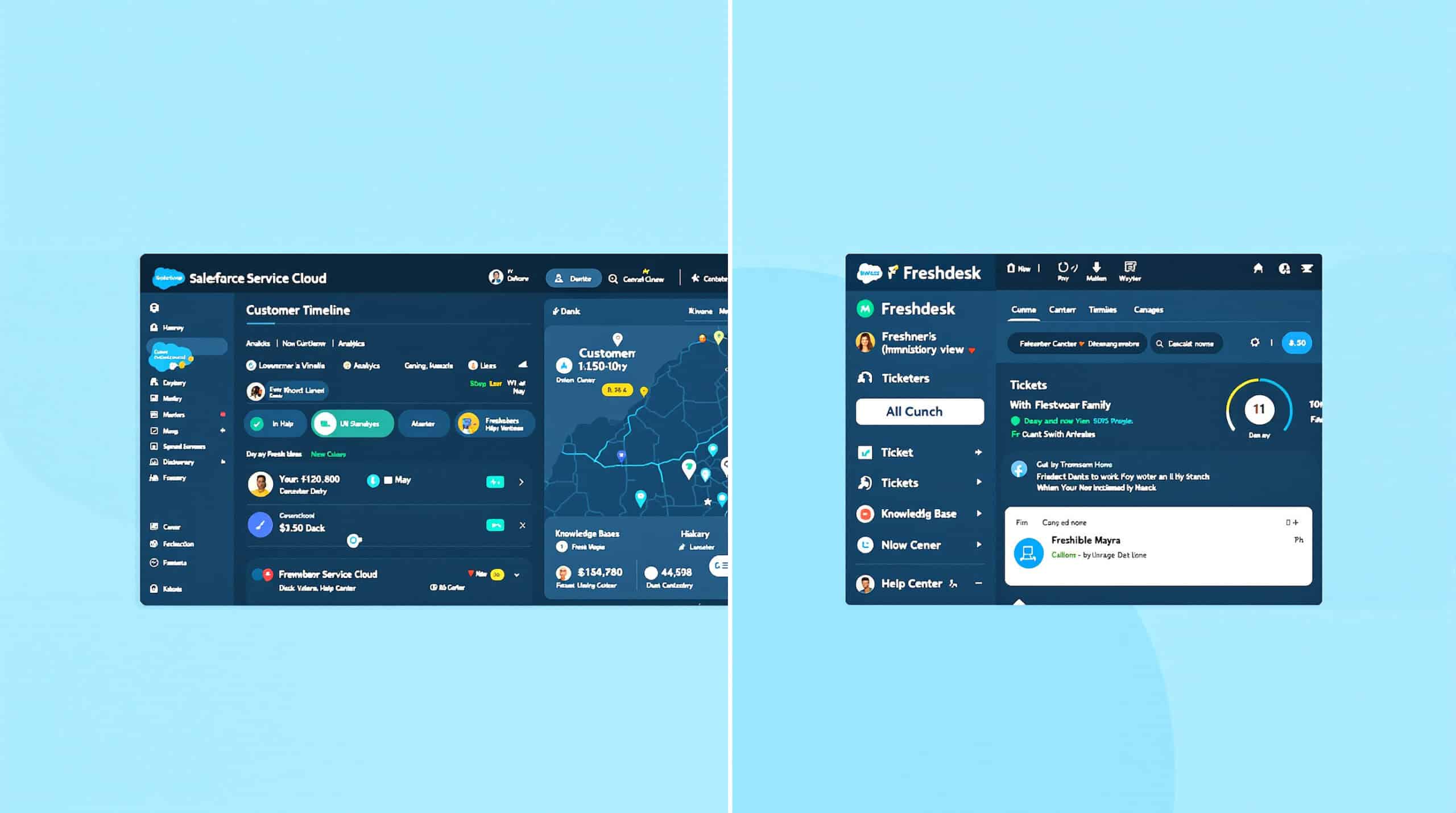
Salesforce Service Cloud represents the enterprise end of the customer service spectrum, offering unmatched depth, customization, and integration capabilities for large organizations. Compared to Freshdesk, Service Cloud provides significantly more advanced capabilities but with greater complexity and cost.
Key Features
- Comprehensive case management: Advanced routing, escalation, and SLA management
- Einstein AI: Intelligent case classification, routing, and agent assistance
- Omnichannel routing: Unified routing across all channels
- Field service management: Scheduling, dispatch, and mobile tools
- Extensive customization: Highly configurable workflows, fields, and processes
Pricing
- Essentials: $25/user/month (billed annually)
- Professional: $75/user/month (billed annually)
- Enterprise: $150/user/month (billed annually)
- Unlimited: $300/user/month (billed annually)
Implementation typically requires significant professional services investment.
User Experience
Salesforce Service Cloud provides an extremely powerful but complex interface that can be customized to match virtually any support process. The platform requires significant configuration and training but delivers exceptional capabilities for enterprise organizations with complex support requirements.
Real User Reviews
“Service Cloud gives us unmatched flexibility to customize our support processes across global teams. The implementation was complex, but the resulting capabilities far exceed what we had with Freshdesk.” – Enterprise Support Director
“The integration between sales and service data in Salesforce is seamless. Our agents have complete visibility into the customer relationship, enabling more informed support decisions.” – Financial Services Support Manager
Our Subjective Assessment
During our testing, Salesforce Service Cloud demonstrated why it’s the platform of choice for many enterprise organizations. The depth of functionality, customization options, and integration capabilities are truly impressive, allowing for highly tailored support processes that would be impossible to implement in Freshdesk.
The Einstein AI capabilities provide sophisticated routing, classification, and agent assistance that can significantly improve efficiency in large support operations. The platform’s ability to handle complex, multi-step processes across departments makes it well-suited for organizations with intricate support requirements.
However, this power comes at the cost of significant complexity. Service Cloud requires substantial configuration, training, and ongoing administration—resources that may not be available to smaller organizations. The platform is also considerably more expensive than Freshdesk, particularly when factoring in implementation services and additional features.
Service Cloud is best suited for large enterprises with complex support requirements, significant IT resources, and the budget to fully leverage the platform’s capabilities. For smaller organizations or those with straightforward support needs, the complexity and cost may be prohibitive.
Advantages and Limitations
Advantages:
- Unmatched customization and flexibility
- Seamless integration with Salesforce CRM
- Advanced AI capabilities for routing and agent assistance
- Comprehensive reporting and analytics
- Ability to handle complex, multi-step processes
Limitations:
- Significantly higher cost than Freshdesk
- Complex implementation requiring professional services
- Steep learning curve for agents and administrators
- Requires dedicated administrative resources
- May be overwhelming for organizations with simple support needs
ServiceNow vs Freshdesk: ITSM Strength for Complex Operations
Overview
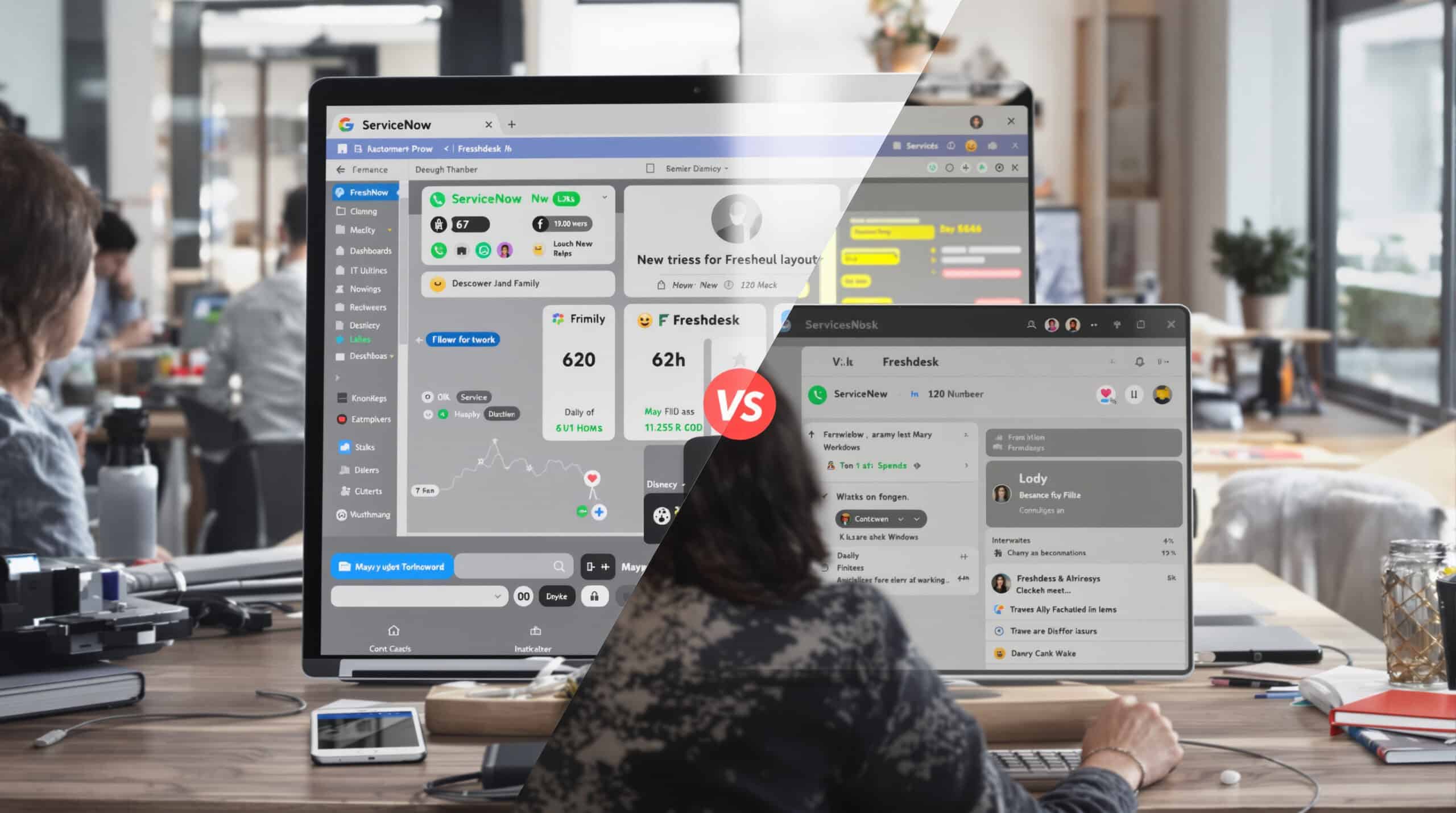
ServiceNow is primarily known as an IT Service Management (ITSM) platform but has expanded to offer customer service management capabilities. Compared to Freshdesk, ServiceNow provides significantly more robust ITSM features, governance, and enterprise workflow capabilities, making it ideal for organizations that need to bridge IT and customer support.
Key Features
- Comprehensive ITSM: Incident, problem, change, and asset management
- Customer service management: Case management integrated with ITSM
- Workflow automation: Sophisticated process automation and orchestration
- Knowledge management: Enterprise-grade knowledge base with workflow approval
- Service catalog: Self-service request fulfillment
Pricing
ServiceNow typically uses enterprise licensing models with custom pricing. Entry-level implementations generally start at $50,000+ annually and scale based on users and modules.
User Experience
ServiceNow provides a powerful but complex interface designed for enterprise IT and service management. The platform requires significant configuration and training but delivers exceptional capabilities for organizations with complex, process-driven support requirements that span IT and customer service.
Real User Reviews
“ServiceNow bridges the gap between our customer support and IT teams, providing a unified platform for all service management. The implementation was substantial, but the resulting process improvements have been transformative.” – Enterprise Service Director
“For organizations with complex compliance requirements and IT-heavy support processes, ServiceNow is unmatched. It’s significantly more complex than Freshdesk, but that complexity enables capabilities that simply aren’t possible on simpler platforms.” – Financial Services IT Director
Our Subjective Assessment
During our evaluation, ServiceNow demonstrated why it’s the platform of choice for organizations with complex IT and customer service requirements. The platform’s ability to manage sophisticated workflows across departments, enforce governance, and maintain comprehensive audit trails is unmatched by Freshdesk or most other customer service platforms.
The integration between IT service management and customer service is particularly valuable for organizations where customer issues frequently require IT involvement. Instead of awkward handoffs between systems, ServiceNow provides a unified platform for managing the entire process.
However, this power comes at the cost of significant complexity and investment. ServiceNow implementations typically require substantial professional services, ongoing administration, and user training. The platform is also considerably more expensive than Freshdesk, making it suitable only for organizations with the budget and resources to fully leverage its capabilities.
ServiceNow is best suited for large enterprises with complex, process-driven support requirements that span IT and customer service. For organizations with simpler support needs or limited resources, the complexity and cost will likely be prohibitive.
Advantages and Limitations
Advantages:
- Unmatched ITSM capabilities integrated with customer service
- Sophisticated workflow automation and orchestration
- Comprehensive governance and compliance features
- Ability to manage complex, cross-departmental processes
- Enterprise-grade reporting and analytics
Limitations:
- Significantly higher cost than Freshdesk
- Complex implementation requiring substantial professional services
- Steep learning curve for agents and administrators
- Requires dedicated administrative resources
- Overkill for organizations with straightforward support needs
Jira Service Management vs Freshdesk: DevOps-Aligned ITSM
Overview
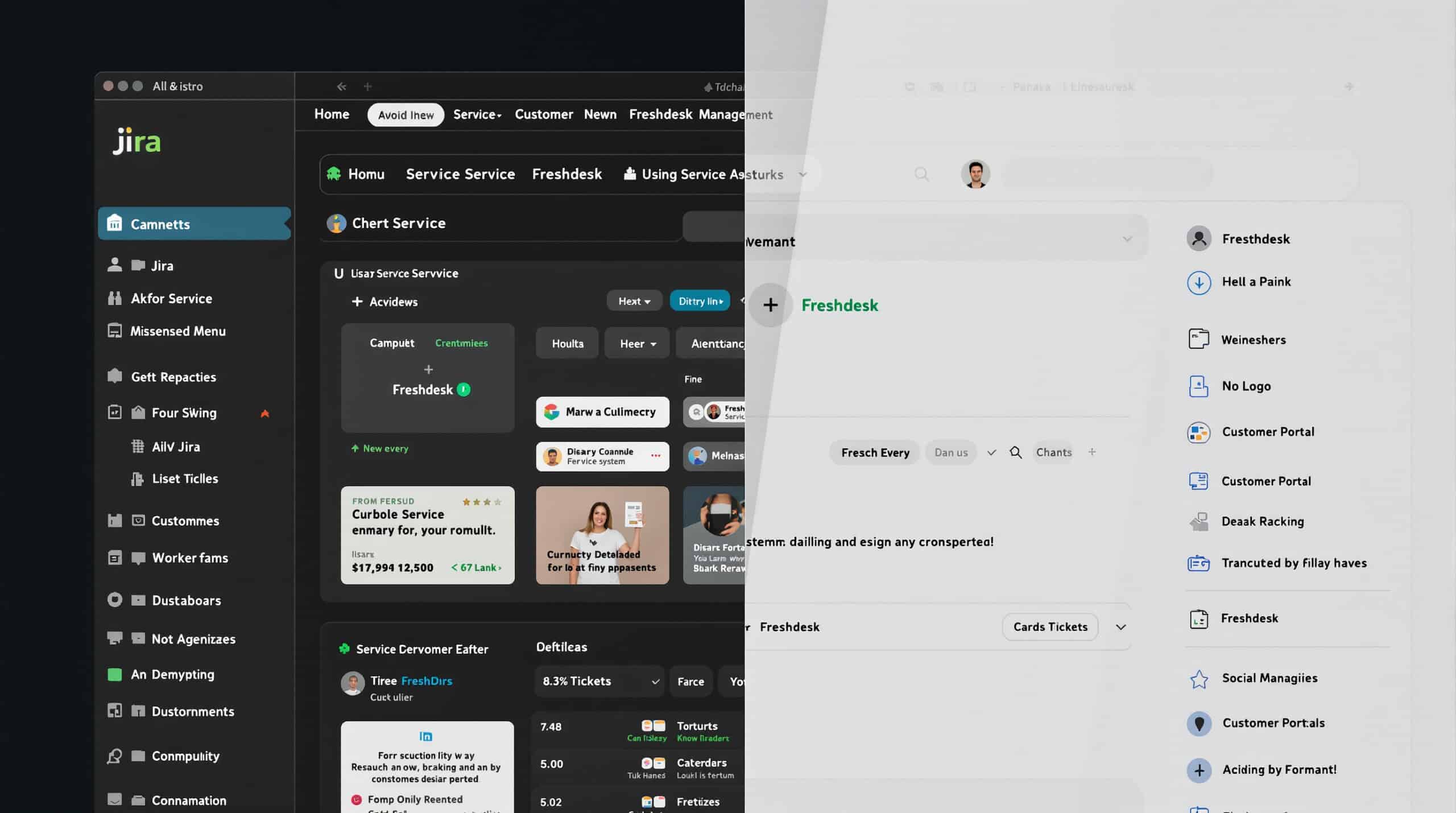
Jira Service Management (JSM) offers a unique approach to customer support, focusing on integration with development workflows and IT service management. Compared to Freshdesk, JSM provides stronger capabilities for organizations where customer support frequently interfaces with development teams.
Key Features
- Development integration: Seamless connection with Jira Software for development teams
- IT service management: Incident, problem, change, and asset management
- Request management: Customizable service portal for internal and external requests
- Knowledge base: Self-service content with Confluence integration
- Automation: Rule-based automation for routine tasks
Pricing
- Free: Up to 3 agents
- Standard: $20/agent/month (billed annually)
- Premium: $45/agent/month (billed annually)
- Enterprise: Custom pricing
User Experience
Jira Service Management provides a powerful interface that will be familiar to organizations already using Atlassian products. The platform excels at managing support requests that require development team involvement but may feel less intuitive for pure customer service teams compared to Freshdesk.
Real User Reviews
“For our technical product support team, the integration between customer issues and development tasks in Jira Service Management is invaluable. We can seamlessly escalate customer-reported bugs to our development team without losing context.” – SaaS Support Director
“JSM works exceptionally well for our technical support needs, but we found it less suitable for our customer success team who needed more traditional customer service features.” – B2B Technology Support Manager
Our Subjective Assessment
During our testing, Jira Service Management demonstrated clear advantages for organizations with strong ties between customer support and development. The platform’s integration with Jira Software enables seamless handoffs from support to development, preserving context and ensuring issues don’t fall through the cracks.
The request management capabilities are particularly strong, with customizable portals that can serve both internal and external users. For organizations that need to manage both customer support and internal IT requests, this unified approach can be more efficient than maintaining separate systems.
However, JSM’s strengths in development integration come with trade-offs in pure customer service capabilities. The platform lacks some of the customer-centric features found in Freshdesk, such as sophisticated omnichannel routing and advanced customer engagement tools. The interface also reflects JSM’s IT heritage, which may require more training for customer service agents.
JSM is best suited for technology companies and organizations where customer support frequently requires development team involvement. For organizations with more traditional customer service needs, Freshdesk or other alternatives may provide a better fit.
Advantages and Limitations
Advantages:
- Exceptional integration with development workflows
- Strong IT service management capabilities
- Unified platform for internal and external support
- Customizable request management
- Familiar interface for organizations using Atlassian products
Limitations:
- Less customer-centric than dedicated support platforms
- Fewer omnichannel capabilities than Freshdesk
- IT-oriented interface may require more training for customer service teams
- Limited customer engagement features
- Not ideal for non-technical support use cases
LiveAgent vs Freshdesk: All-in-One Help Desk with Built-in Call Center

Overview
LiveAgent offers a comprehensive help desk solution with native call center capabilities, making it a compelling alternative to Freshdesk for organizations seeking an all-in-one support platform without separate products for different channels.
Key Features
- Native call center: Built-in VoIP telephony without requiring a separate product
- Universal inbox: Email, chat, social, and voice in a single interface
- Live chat with real-time monitoring: Visitor tracking and proactive chat
- Video calling: Built-in video support capabilities
- Gamification: Agent performance gamification to boost productivity
Pricing
- Free: Limited features for small teams
- Ticket: $15/agent/month (billed annually)
- Ticket+Chat: $29/agent/month (billed annually)
- All-Inclusive: $49/agent/month (billed annually)
User Experience
LiveAgent provides an intuitive interface that combines all support channels in a single workspace. The platform’s strength lies in its comprehensive feature set available without separate products or add-ons, making it particularly well-suited for SMBs seeking simplicity without sacrificing capabilities.
Real User Reviews
“LiveAgent’s built-in call center functionality eliminated the need for a separate telephony system, saving us both money and integration headaches compared to our previous Freshdesk setup.” – Retail Support Manager
“The universal inbox in LiveAgent gives our agents a complete view of customer interactions across all channels. The learning curve was minimal, and we were fully operational within days of switching from Freshdesk.” – E-commerce Support Lead
Our Subjective Assessment
During our testing, LiveAgent impressed us with its comprehensive feature set and straightforward pricing. The platform offers a genuine all-in-one solution that includes capabilities that would require separate products or add-ons in Freshdesk.
The native call center functionality is particularly valuable, eliminating the need for a separate telephony system and the associated integration challenges. The video calling feature also stands out as an increasingly important capability for providing personalized support for complex issues.
LiveAgent’s real-time monitoring and visitor tracking capabilities enable proactive support, allowing agents to engage customers before they even submit a ticket. This can significantly improve customer experience and increase conversion rates for e-commerce businesses.
While LiveAgent may not offer the depth of enterprise features found in platforms like Zendesk or Salesforce, its comprehensive feature set and straightforward pricing make it an excellent choice for SMBs seeking a capable, all-in-one support solution without the complexity or cost of enterprise platforms.
Advantages and Limitations
Advantages:
- Comprehensive all-in-one solution without separate products
- Native call center and video calling capabilities
- Intuitive interface with minimal learning curve
- Straightforward, transparent pricing
- Strong real-time monitoring and proactive features
Limitations:
- Less extensive marketplace than Freshdesk
- Fewer enterprise-grade features than larger platforms
- Limited AI capabilities compared to some competitors
- May not scale as effectively for very large teams
- Less robust reporting than enterprise platforms
Choosing the Right Freshdesk Alternative: Decision Framework

When selecting a Freshdesk alternative, consider these key factors to ensure you choose a platform that aligns with your specific business needs:
- Primary support channels: Which channels (email, chat, phone, social) are most important to your customers?
- Team size and structure: How many agents do you have, and how are they organized (departments, tiers, specialties)?
- Integration requirements: Which systems (CRM, e-commerce, product) must connect with your support platform?
- Budget constraints: What is your per-agent budget, and how important is predictable pricing?
- AI strategy: Do you need autonomous resolution, agent assistance, or both?
- Complexity tolerance: How much training and administration can your team manage?
- Growth trajectory: How will your support needs evolve over the next 12-24 months?
Based on these considerations, here’s a simplified recommendation framework:
- For e-commerce with high chat volume: Consider Talkees or LiveAgent for their strong chat capabilities and AI resolution.
- For product-led SaaS companies: Intercom excels at in-app engagement and proactive support.
- For SMBs seeking simplicity: Help Scout offers a human-centric approach without unnecessary complexity.
- For businesses using HubSpot CRM: HubSpot Service Hub provides seamless integration and unified customer data.
- For organizations using Zoho products: Zoho Desk delivers excellent value and native ecosystem integration.
- For enterprise-scale operations: Zendesk or Salesforce Service Cloud offer the depth and customization needed.
- For technical product support: Jira Service Management provides superior development integration.
Conclusion: Making Your Decision with Confidence

Selecting the right Freshdesk alternative requires careful consideration of your specific support requirements, team structure, and business goals. Each platform offers distinct advantages and limitations, making it essential to align your choice with your unique needs.
For most SMBs and e-commerce businesses seeking a balance of powerful capabilities and reasonable costs, Talkees offers an excellent combination of AI-driven efficiency, omnichannel support, and transparent pricing. Its unified platform eliminates the need for separate products while providing the tools needed to deliver exceptional customer experiences.
However, your specific requirements may point to a different solution. Organizations with unique needs—such as tight CRM integration, development team alignment, or enterprise-scale operations—may find other platforms better suited to their particular circumstances.
Whatever your decision, approach the selection process methodically:
- Map your requirements to the features and capabilities of each platform.
- Request demonstrations focused on your specific use cases.
- Run a pilot with a subset of your team to validate the platform’s fit.
- Plan for implementation with realistic timelines and resource allocation.
By taking a thoughtful, systematic approach to selecting a Freshdesk alternative, you can ensure a successful transition that improves both customer experience and operational efficiency.





