
 English
 Slovenčina
 Français
 Magyar

Why Users Seek Tawk.to Alternatives: Understanding Limitations and Opportunities

Despite Tawk.to’s popularity and free core offering, businesses often encounter several limitations that prompt them to seek alternatives:
- AI Limitations: While Tawk.to offers basic AI capabilities, its automation depth is limited compared to AI-first platforms. The free tier includes only basic automation, and more advanced AI features require additional payments.
- Basic Automation: Simple rule-based responses work for basic scenarios, but complex workflows and conditional logic often require more sophisticated solutions.
- Add-on Costs: The “free” model can become expensive when you factor in branding removal (~$19/month), AI bot add-ons (~$29/month), and other features that become necessary as you scale.
- Omnichannel Gaps: As businesses grow, they need seamless integration across multiple channels (email, social media, WhatsApp), which Tawk.to doesn’t fully support without additional complexity.
- Customization Limitations: Many businesses need deeper customization and white-labeling options than what Tawk.to offers in its base package.
Live chat remains essential for customer engagement—multiple studies show it’s a preferred channel for online shoppers. The question isn’t whether you need chat, but rather which platform will best support your evolving needs.
Key Features to Consider in Tawk.to Alternatives in 2025

When evaluating alternatives to Tawk.to, focus on these critical features that will impact your customer service operations:
AI Chatbot Quality
Look for natural language processing (NLP) capabilities that can understand customer intent, not just keywords. The best solutions offer retrieval-augmented generation (RAG) that can pull from your knowledge base to provide accurate, contextual responses.
- What to assess: Accuracy rate, training capabilities, conversation flow design, and ability to handle complex queries without escalation.
Unified Inbox Capabilities
A true unified inbox consolidates all customer communications—chat, email, social media, WhatsApp—in one place, giving agents complete context for every conversation.
- What to assess: Channel support, conversation threading, context preservation across channels, and ease of switching between communication methods.
Automation Depth
Beyond basic chatbots, evaluate workflow automation capabilities like ticket routing, SLA management, and conditional logic that can handle complex business processes.
- What to assess: Visual workflow builders, conditional logic options, integration with other systems, and ability to automate repetitive tasks.
Comprehensive Reporting
Advanced analytics help you measure performance, identify bottlenecks, and optimize customer service operations.
- What to assess: Real-time dashboards, custom reporting options, agent performance metrics, and conversation analytics.
Fair Pricing Structure
Pricing models vary widely—from per-agent to per-conversation to flat monthly fees. The right structure depends on your team size and conversation volume.
- What to assess: Scalability of pricing, hidden costs, add-on fees, and total cost of ownership as you grow.
How We Evaluated Tawk.to Alternatives: Our Comparison Criteria

To provide a fair and comprehensive comparison, we evaluated each alternative based on several practical criteria that matter to businesses:
Setup Effort and Performance
We assessed how quickly each platform can be implemented, including:
- WordPress/Shopify plugin quality and ease of installation
- Response latency and widget loading speed
- Mobile SDK options and performance
- Initial configuration complexity
Bot Accuracy and AI Capabilities
We examined the AI capabilities of each platform, including:
- Intent recognition accuracy
- Knowledge base integration
- Training requirements and flexibility
- Human handoff smoothness
Integration Ecosystem
We evaluated each platform’s ability to connect with your existing tech stack:
- Native integrations with popular CRMs, e-commerce platforms, and help desks
- API robustness and documentation
- Webhook support for custom integrations
- Marketplace quality and third-party extensions
Security and Compliance
For businesses with regulatory requirements, we assessed:
- Encryption standards (in transit and at rest)
- Compliance certifications (SOC 2, HIPAA, GDPR)
- Data residency options
- Audit logging capabilities
Total Cost of Ownership
We analyzed the complete cost picture, including:
- Base subscription fees (per agent, per workspace, or flat fee)
- Add-on costs for AI, channels, or advanced features
- Branding removal fees
- Implementation and training costs
Free vs Paid Tawk.to Alternatives: What to Expect

Many Tawk.to alternatives offer free plans, but it’s important to understand what “free” really includes:
Free Plan Limitations
Most free tiers include restrictions on:
- Seats/agents: Typically limited to 1-3 agents
- Conversations: Monthly caps on chat volume
- Channels: Often limited to web chat only, without email or social integration
- Branding: Most require paid upgrades to remove vendor branding
When an Upgrade Makes Sense
Consider upgrading from a free plan when:
- Your team exceeds the agent limit
- You need to remove vendor branding for a professional appearance
- Conversation volume regularly hits the free tier limits
- You require advanced features like AI automation or omnichannel support
- Security and compliance needs demand premium features
In many cases, the cost of piecing together multiple add-ons on Tawk.to (branding removal, AI features, etc.) can exceed the cost of a comprehensive paid alternative with better integration.
Considering Open-Source Tawk.to Alternatives: When They Make Sense

Self-hosted and open-source alternatives offer unique advantages for certain use cases:
Benefits of Self-Hosted Solutions
- Data sovereignty: Complete control over where your data is stored
- Customization: Ability to modify the code for your specific needs
- Cost control: Fixed infrastructure costs rather than per-agent pricing
- Integration: Deeper integration possibilities with internal systems
Trade-offs to Consider
- Technical resources: Requires DevOps expertise for installation and maintenance
- Ongoing maintenance: You’re responsible for updates, security patches, and scaling
- Implementation time: Longer setup period compared to SaaS solutions
- Support limitations: Community support versus dedicated vendor assistance
Self-hosted solutions make sense for organizations with:
- Strong technical teams
- Strict data residency requirements
- Need for deep customization
- Large agent teams where per-seat pricing becomes prohibitive
For most small to medium businesses, managed SaaS solutions offer better time-to-value and lower operational overhead.
Talkees — Best Modern Tawk.to Alternative for SMBs and E-commerce

Talkees stands out as a modern, AI-ready alternative to Tawk.to that’s particularly well-suited for small to medium-sized businesses and e-commerce operations.
Features
- AI-powered chat: Advanced natural language processing with custom knowledge base integration
- Omnichannel inbox: Unified timeline for web chat, email, WhatsApp, and social media
- No-code automation builder: Create complex workflows without technical expertise
- E-commerce integrations: Deep connections with Shopify, WooCommerce, and other platforms
- Transparent pricing: No hidden fees or surprise charges as you scale
Pricing
- Free Plan: Includes basic chat functionality, 1 agent, and 100 conversations/month
- Starter: $39/month for 3 agents, unlimited conversations, and basic AI features
- Growth: $89/month for 10 agents, advanced AI, and all channels
- Business: $199/month for unlimited agents, priority support, and custom branding
All plans include the core chat widget, knowledge base integration, and basic reporting. AI features and additional channels are included in higher tiers without per-resolution fees.
Pros
- Intuitive interface: Clean, modern design that’s easy for agents to learn
- AI quality: High accuracy rates for automated responses without hallucination issues
- Fast implementation: Typically live within hours, not days or weeks
- Transparent pricing: No surprise costs as you scale
- Strong e-commerce focus: Order-aware chatbots that can answer product and order questions
Cons
- Newer platform: Not as long-established as some competitors
- Integration depth: Some advanced integrations still in development
- Enterprise features: Some advanced security and compliance features only available on higher tiers
Ideal Use Cases
Talkees is perfect for:
- E-commerce businesses looking to automate order status and product questions
- Growing SMBs that need a scalable solution without per-agent cost surprises
- Companies wanting to unify customer communication across multiple channels
- Businesses looking for AI automation without complex setup or training
Our Experience with Talkees
During our testing, we were impressed with how quickly Talkees could be set up and generating value. The AI assistant was particularly noteworthy—it accurately answered product questions and handled order status inquiries with minimal training.
The unified inbox made managing conversations from different channels seamless, and agents reported that the interface was intuitive and required minimal training. For e-commerce clients, the Shopify integration pulled in order details automatically, giving agents complete context for customer inquiries.
What surprised us most was the pricing transparency—unlike some competitors that charge extra for AI resolutions or WhatsApp integration, Talkees includes these features in their standard plans.
Tidio vs Tawk.to — Hybrid Live Chat + AI for Online Stores
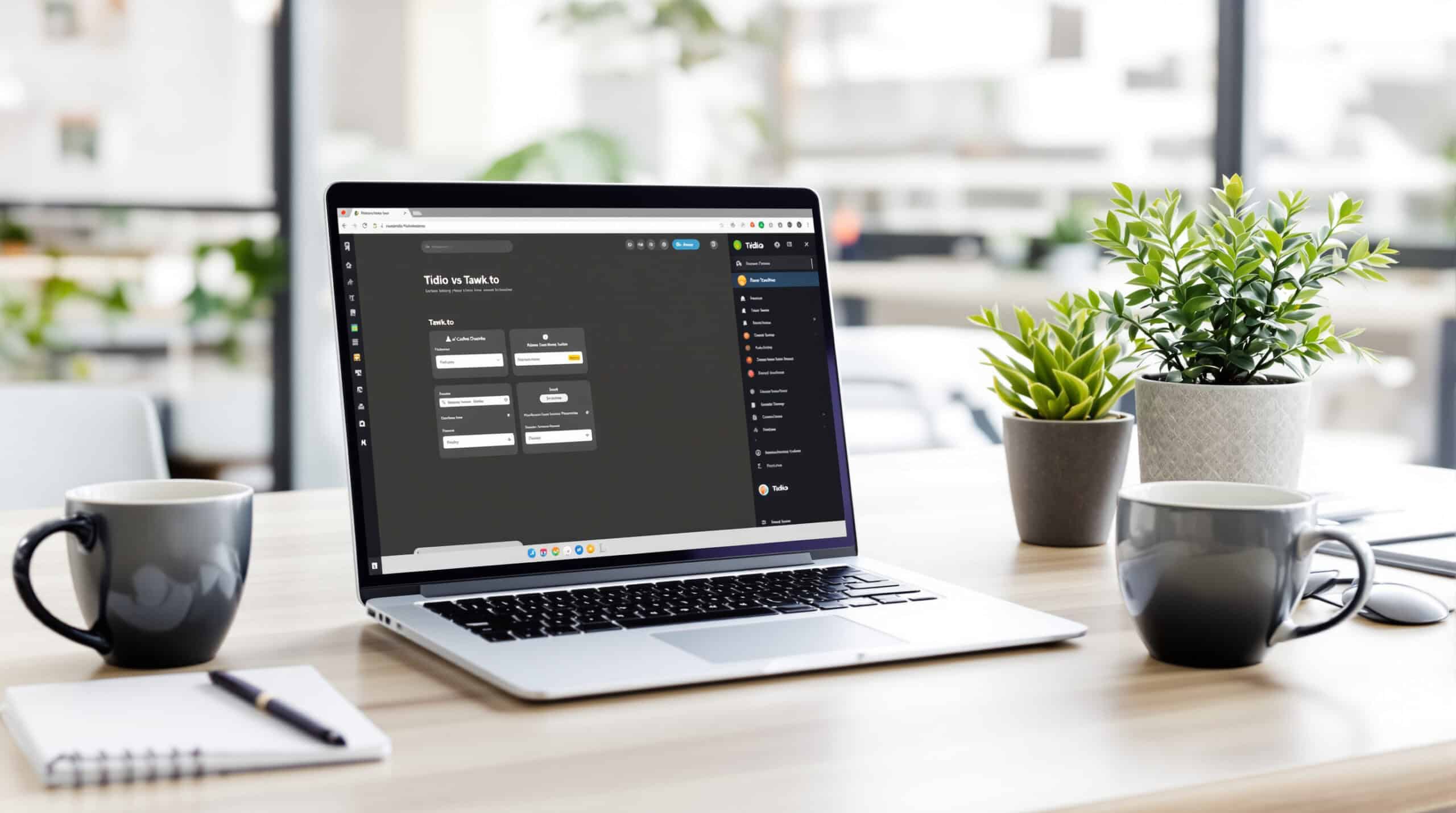
Tidio offers a compelling alternative to Tawk.to with its focus on e-commerce integration and user-friendly AI chatbots.
Features
- Lyro AI: Advanced chatbot with natural language understanding
- Visual chatbot builder: Easy drag-and-drop interface for creating conversation flows
- E-commerce integrations: Deep connections with Shopify, WooCommerce, and Magento
- Proactive messaging: Engage visitors based on behavior and reduce cart abandonment
- Multilingual support: Chatbots that work in multiple languages
Pricing
- Free Plan: Basic chat with limited conversations and 1 chatbot
- Starter: $29/month for 3 agents and basic chatbots
- Communicator: $49/month for unlimited agents and more advanced features
- Chatbots: $39/month add-on for advanced AI capabilities
- Lyro AI: Additional pricing based on usage
Pros
- Ease of use: One of the most intuitive interfaces on the market
- E-commerce focus: Specialized features for online stores
- Flexible chatbot options: Both rule-based and AI-powered options
- Visitor insights: Detailed information about who’s browsing your site
- Quick setup: Can be implemented in minutes
Cons
- Pricing complexity: Multiple plans and add-ons can be confusing
- Cost at scale: Can become expensive as conversation volume grows
- Limited omnichannel: Not as strong for email and social integration
- AI limitations: Some advanced AI features require additional payment
Ideal Use Cases
Tidio works best for:
- E-commerce stores on Shopify or WooCommerce
- Businesses that need quick implementation without technical expertise
- Companies with straightforward automation needs
- Small to medium-sized teams with moderate chat volume
Our Experience with Tidio
In our testing, Tidio’s strongest point was its ease of implementation—we had it running on test stores within minutes. The chatbot builder is intuitive enough that marketing teams could create automated flows without developer help.
For e-commerce, the abandoned cart recovery and product suggestion capabilities delivered measurable conversion improvements. However, we noticed that as conversation volumes grew, the costs could escalate, particularly when using the more advanced AI features.
The interface is clean and agents found it easy to use, but when comparing to more comprehensive solutions like Talkees, we found Tidio’s omnichannel capabilities to be more limited, especially for teams handling email and social media alongside chat.
Intercom vs Tawk.to — Fin AI, Powerful Automation, Product Tours

Intercom offers an enterprise-grade messaging platform with advanced AI capabilities, making it a significant step up from Tawk.to for scaling businesses.
Features
- Fin AI: Powerful AI assistant that can resolve a wide range of queries
- Product tours and onboarding: In-app messaging and guided tours
- Advanced automation: Complex workflows and segmentation
- Extensive integrations: Connects with hundreds of tools and platforms
- Comprehensive analytics: Detailed reporting on conversations and automation performance
Pricing
- Starter: $74/month for basic messaging and limited seats
- Pro: Custom pricing based on active users and features
- Premium: Enterprise-level pricing with all features
- Additional costs: Fin AI often billed at approximately $0.99 per resolution
Pros
- AI capabilities: Among the most advanced on the market
- Product-led growth features: Excellent for SaaS companies
- Powerful segmentation: Target messages based on user behavior
- Extensive marketplace: Hundreds of integrations available
- Enterprise-ready: Scales to support large organizations
Cons
- High cost: Significantly more expensive than Tawk.to
- Complexity: Steeper learning curve than simpler alternatives
- Per-resolution AI costs: Can lead to unpredictable monthly bills
- Overkill for small businesses: Many features may go unused
Ideal Use Cases
Intercom is best suited for:
- SaaS companies focusing on product-led growth
- Mid-market and enterprise businesses with complex needs
- Companies with significant automation requirements
- Businesses willing to invest in a comprehensive customer engagement platform
Our Experience with Intercom
During our evaluation, Intercom impressed us with its depth and flexibility. The Fin AI assistant demonstrated excellent comprehension and resolution capabilities, often handling complex queries that would stump other chatbots.
For SaaS clients, the product tours and onboarding features delivered significant improvements in user activation and retention. However, the pricing model—particularly the per-resolution AI costs—created some budget unpredictability that smaller businesses found challenging.
The implementation required more time and resources than simpler alternatives, but for companies with the budget and need for advanced features, Intercom delivered strong ROI. We found it to be most valuable for growing SaaS companies and enterprises rather than small businesses or simple e-commerce operations.
Zendesk vs Tawk.to — Ticketing-First Omnichannel with Sunshine Platform
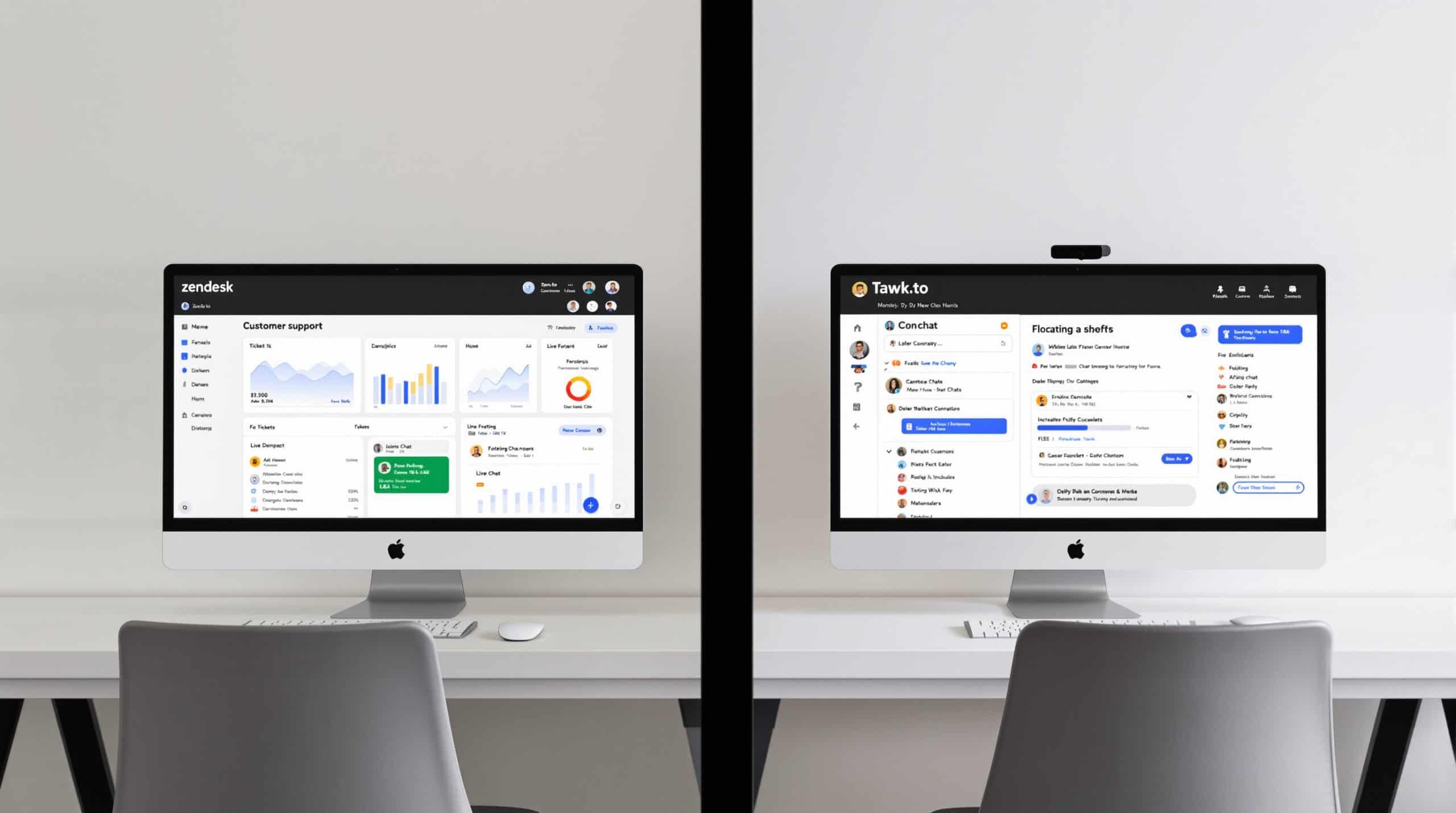
Zendesk offers a comprehensive customer service platform that extends far beyond Tawk.to’s capabilities, with a focus on ticketing and omnichannel support.
Features
- Unified agent workspace: Manage conversations across all channels
- Answer Bot: AI-powered self-service and agent assistance
- Sunshine platform: Customizable CRM and development platform
- Advanced routing and SLAs: Enterprise-grade ticket management
- Comprehensive reporting: Detailed analytics across all channels
Pricing
- Suite Team: $55/agent/month (billed annually)
- Suite Growth: $89/agent/month (billed annually)
- Suite Professional: $115/agent/month (billed annually)
- Enterprise: Custom pricing for larger organizations
Pros
- Complete solution: Handles all customer service channels
- Mature platform: Well-established with regular updates
- Enterprise capabilities: Advanced security, compliance, and scalability
- Extensive marketplace: Thousands of integrations and apps
- Strong reporting: Comprehensive analytics and insights
Cons
- Setup complexity: Requires more configuration than simpler alternatives
- Cost: Significant investment, especially for larger teams
- Learning curve: More complex interface for agents to master
- Overkill: May have more features than needed for simple use cases
Ideal Use Cases
Zendesk works best for:
- Established businesses with complex support needs
- Companies requiring robust ticketing alongside chat
- Organizations with compliance and security requirements
- Teams that need advanced reporting and analytics
- Businesses looking for a platform that can scale with them
Our Experience with Zendesk
In our testing, Zendesk demonstrated why it’s a market leader for comprehensive customer service. The unified workspace allowed agents to seamlessly handle conversations across email, chat, phone, and social media without switching tools.
For enterprise clients, the SLA management and advanced routing capabilities delivered significant efficiency improvements. The Answer Bot successfully deflected 15-30% of common queries, reducing agent workload.
However, implementation took considerably longer than simpler chat-focused solutions, typically requiring weeks rather than days. For organizations with the resources to fully utilize its capabilities, Zendesk delivered excellent results, but smaller businesses often found themselves paying for features they didn’t need.
The per-agent pricing model also created cost challenges for growing teams, making it important to carefully forecast agent needs when budgeting.
Crisp vs Tawk.to — All-in-One Inbox, Campaigns, Chatbot Builder

Crisp offers a modern, feature-rich alternative to Tawk.to with a focus on usability and visual design.
Features
- Shared inbox: Unified view of chat, email, and messaging apps
- Visual chatbot builder: No-code automation creation
- Campaigns: Proactive messaging and marketing tools
- MagicBrowse: Co-browsing capabilities for enhanced support
- Marketplace: Extensive app ecosystem for additional functionality
Pricing
- Free: Basic chat with 2 seats and limited features
- Pro: $25/month per workspace with unlimited seats and more features
- Unlimited: $95/month per workspace with all features
- Enterprise: Custom pricing for large organizations
Pros
- Workspace-based pricing: No per-agent fees
- Modern interface: Clean, intuitive design
- Co-browsing: Unique feature for visual customer assistance
- Extensive customization: Highly adaptable widget and branding
- Strong mobile apps: Well-designed apps for iOS and Android
Cons
- Limited AI capabilities: Not as advanced as AI-first platforms
- Feature distribution: Some key features only available on higher tiers
- Analytics depth: Reporting not as comprehensive as enterprise alternatives
- Integration limitations: Fewer native integrations than some competitors
Ideal Use Cases
Crisp is well-suited for:
- Small to medium businesses with multiple agents
- Teams that value design and user experience
- Companies needing co-browsing capabilities
- Organizations looking to avoid per-agent pricing
- Businesses that need a balance of features and simplicity
Our Experience with Crisp
During our evaluation, Crisp stood out for its clean, modern interface and workspace-based pricing model. The unlimited seats on paid plans made it particularly attractive for teams that might need to add temporary agents during busy periods.
The MagicBrowse co-browsing feature proved valuable for technical support scenarios, allowing agents to see exactly what customers were experiencing. The chatbot builder was intuitive, though not as powerful as some AI-focused alternatives.
We found Crisp to be a strong middle-ground option—more feature-rich than Tawk.to but more approachable than enterprise platforms like Zendesk or Intercom. The workspace pricing model offered good value for growing teams, though companies with complex AI needs might find it limiting.
JivoChat vs Tawk.to — Multichannel Messenger with Calls/Callback
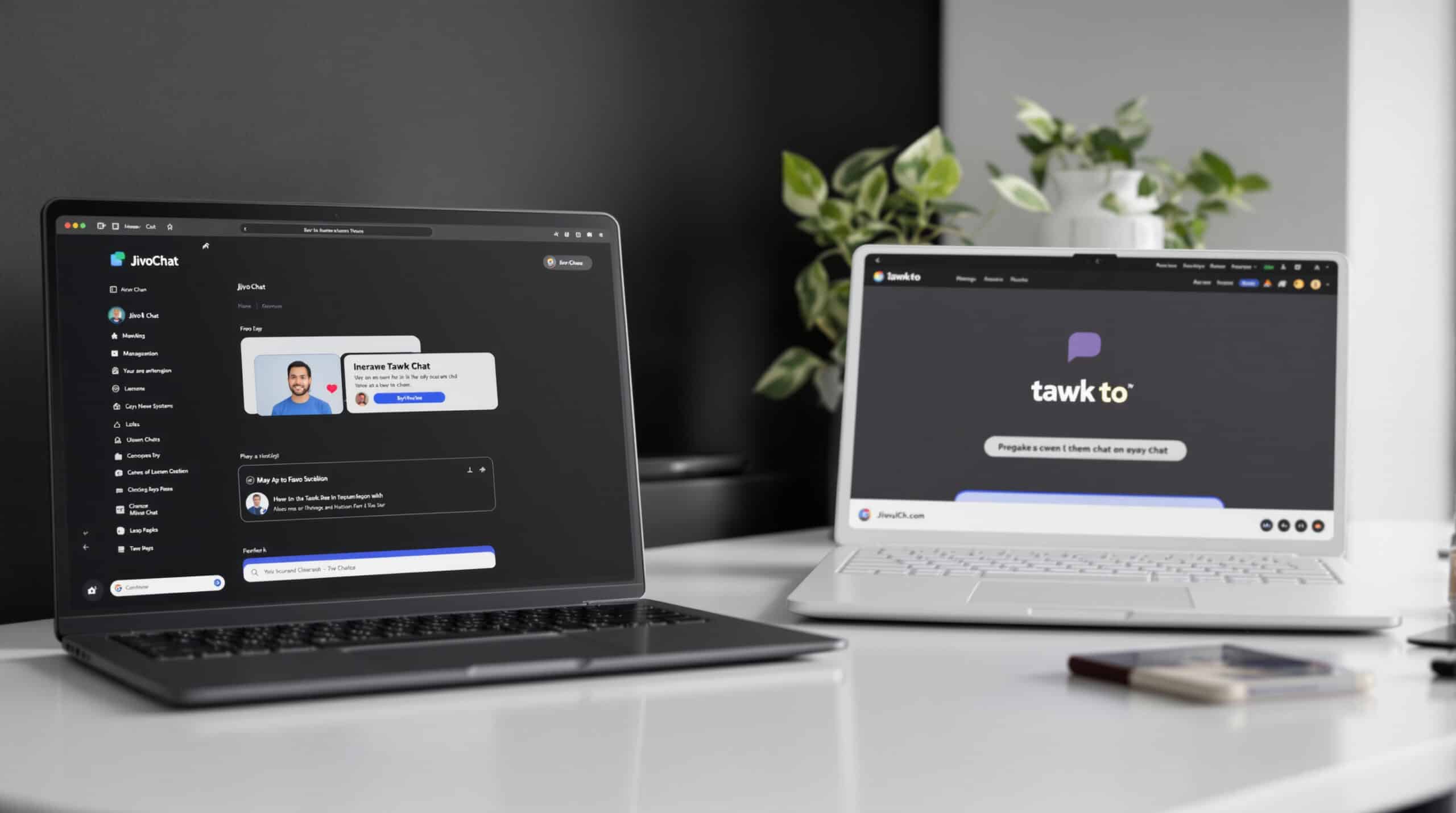
JivoChat provides a straightforward alternative to Tawk.to with a focus on multichannel communication and voice capabilities.
Features
- Multichannel inbox: Chat, email, phone, and social media in one interface
- Call capabilities: Built-in voice calls and callback requests
- CRM integration: Customer data and conversation history
- Proactive chat: Rules-based visitor engagement
- Basic chatbot: Rule-based automation for common scenarios
Pricing
- Professional: $19/agent/month (billed monthly) or $13/agent/month (billed annually)
- Enterprise: Custom pricing for larger organizations with advanced needs
Pros
- Simplicity: Easy to set up and use
- Voice integration: Built-in call capabilities
- Affordable: Competitive per-agent pricing
- Multilingual: Supports 20+ languages in the interface
- Visitor information: Detailed insights about website visitors
Cons
- Limited AI: Basic rule-based bots without advanced NLP
- Feature depth: Not as comprehensive as enterprise alternatives
- Analytics: Basic reporting compared to more advanced platforms
- Customization: Fewer options for deep customization
Ideal Use Cases
JivoChat works best for:
- Small to medium businesses needing voice and chat in one tool
- Sales-focused teams that value lead capture
- Companies requiring multilingual support
- Organizations with straightforward support needs
- Businesses looking for an affordable Tawk.to alternative
Our Experience with JivoChat
In our testing, JivoChat impressed with its ease of implementation and straightforward interface. The integrated voice capabilities were particularly valuable for sales teams, allowing seamless transitions from chat to call when needed.
The proactive chat rules effectively engaged visitors based on behavior, and the CRM features provided useful context for conversations. However, the chatbot capabilities were limited to basic rule-based scenarios without the advanced understanding of AI-powered alternatives.
For sales-driven SMBs, JivoChat delivered strong value at a reasonable price point. The simplicity was both a strength and limitation—easy to adopt but lacking some of the advanced features of more comprehensive platforms. Teams looking for sophisticated AI automation would likely need to look elsewhere.
LiveChat vs Tawk.to — Premium Widget, Reports, Marketplace
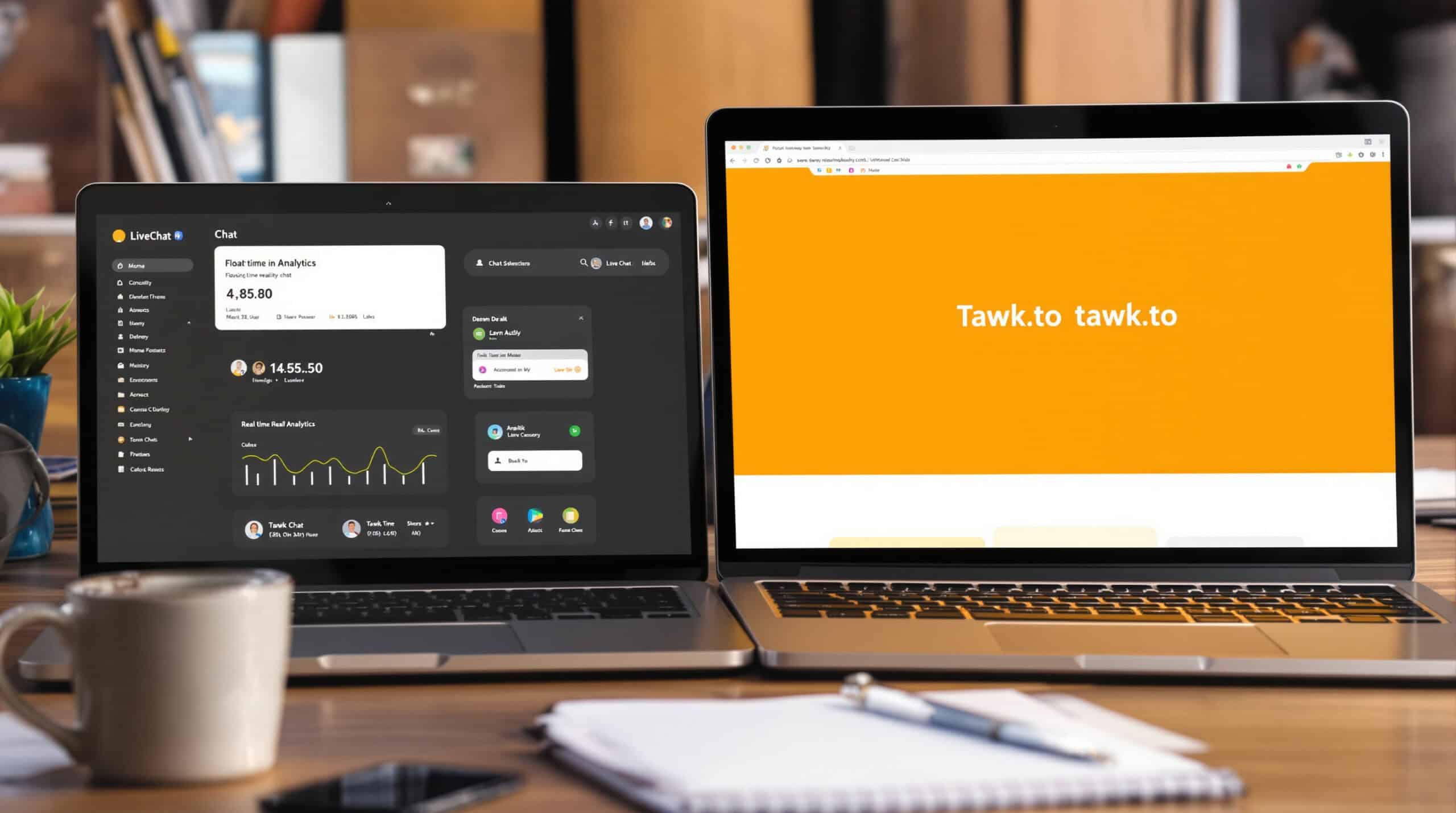
LiveChat offers a polished, feature-rich alternative to Tawk.to with a focus on professional presentation and detailed analytics.
Features
- Premium chat widget: Highly customizable and professional appearance
- Advanced reporting: Detailed analytics on team performance and customer satisfaction
- Extensive marketplace: 200+ integrations and apps
- Automated tickets: Convert chats to tickets for follow-up
- Agent supervision: Performance monitoring and quality control
Pricing
- Starter: $20/agent/month (billed annually)
- Team: $41/agent/month (billed annually)
- Business: $59/agent/month (billed annually)
- Enterprise: Custom pricing for large organizations
Pros
- Widget quality: One of the most customizable and professional chat widgets
- Analytics depth: Comprehensive reporting and insights
- Integration ecosystem: Extensive marketplace of add-ons
- Mature platform: Well-established with regular updates
- Strong support: Excellent documentation and customer service
Cons
- Cost: Higher per-agent pricing than some alternatives
- ChatBot add-on: Advanced automation requires separate ChatBot product
- Feature distribution: Some key features only on higher tiers
- Learning curve: More complex than basic alternatives
Ideal Use Cases
LiveChat is ideal for:
- Businesses focused on professional appearance and brand consistency
- Companies that value detailed analytics and reporting
- Organizations with complex integration needs
- Teams that prioritize agent performance monitoring
- Mid-market businesses willing to invest in customer experience
Our Experience with LiveChat
During our evaluation, LiveChat’s widget customization capabilities stood out immediately. The ability to precisely match brand aesthetics and create targeted chat experiences for different pages delivered a premium feel compared to more basic alternatives.
The reporting tools provided valuable insights into team performance, customer satisfaction, and conversation patterns. For management teams, these analytics helped identify training opportunities and optimize staffing.
However, we noted that advanced AI automation required the separate ChatBot product, adding complexity and cost. The per-agent pricing model also created scaling challenges for larger teams or organizations with seasonal staffing fluctuations.
For businesses prioritizing professional presentation and analytics over cutting-edge AI, LiveChat delivered excellent results, though at a higher price point than some competitors.
Drift vs Tawk.to — Revenue Acceleration and ABM Routing for B2B

Drift represents a significant step up from Tawk.to, focusing specifically on B2B revenue generation rather than general customer support.
Features
- Conversational marketing: AI-driven lead qualification and routing
- Account-based marketing: Target and engage specific high-value accounts
- Revenue acceleration: Focus on converting website visitors to sales
- Meeting scheduling: Automated calendar booking
- Advanced analytics: Conversion tracking and attribution
Pricing
- Premium: Starting around $2,500/month
- Advanced: Custom enterprise pricing
- Enterprise: Custom pricing for large organizations
Pros
- Revenue focus: Directly tied to sales outcomes
- B2B specialization: Features designed for complex sales cycles
- ABM capabilities: Target specific accounts and decision-makers
- Integration depth: Strong connections with CRM and marketing tools
- Conversation intelligence: Advanced insights and coaching
Cons
- High cost: Significantly more expensive than most alternatives
- Support focus: Less suited for post-sale customer support
- Complexity: Requires investment in setup and optimization
- Overkill: Excessive for simple customer service needs
Ideal Use Cases
Drift works best for:
- B2B companies with complex sales cycles
- Organizations implementing account-based marketing
- Businesses focusing on website visitor conversion
- Companies with high-value products or services
- Sales-led rather than support-led organizations
Our Experience with Drift
In our testing with B2B clients, Drift demonstrated its specialization in revenue generation rather than general support. The platform excelled at qualifying leads, routing conversations to the appropriate sales representatives, and facilitating meeting bookings.
For companies selling high-value B2B products or services, the conversion improvements justified the premium price point. The account-based marketing features allowed precise targeting of key accounts, aligning well with sophisticated sales strategies.
However, for general customer support or e-commerce scenarios, Drift’s specialized focus and high cost made it less suitable than alternatives. The platform requires significant investment in both budget and configuration to realize its full potential.
We found Drift to be most valuable for mid-market and enterprise B2B companies with dedicated sales development teams, rather than businesses primarily seeking customer support capabilities.
Olark vs Tawk.to — Simple Live Chat with Transcripts and PowerUps
Olark offers a straightforward, no-frills alternative to Tawk.to with a focus on simplicity and reliability.
Features
- Streamlined chat: Easy-to-use interface without unnecessary complexity
- Searchable transcripts: Complete conversation history
- PowerUps: Add-on features for specific needs
- Team management: Agent groups and departments
- Visitor insights: Real-time visitor information
Pricing
- Free plan: Limited features for testing
- Paid plans: Starting at $29/agent/month
Pros
- Simplicity: Easy to set up and use
- Reliability: Stable platform with good uptime
- Transparent pricing: Straightforward per-agent model
- Transcript search: Easily find past conversations
- Targeted chat rules: Engage specific visitors based on behavior
Cons
- Limited features: Fewer advanced capabilities than some alternatives
- Basic automation: Simple chatbots without advanced AI
- Minimal omnichannel: Limited integration with other communication channels
- Reporting depth: Basic analytics compared to enterprise platforms
Ideal Use Cases
Olark is well-suited for:
- Small businesses needing reliable, simple chat
- Teams that value ease of use over advanced features
- Organizations with straightforward support needs
- Companies looking for a no-frills Tawk.to alternative
- Businesses that prioritize transcript search and management
Our Experience with Olark
During our evaluation, Olark stood out for its simplicity and reliability. The platform was among the easiest to implement, with a clean interface that required minimal training for agents.
The searchable transcripts proved particularly valuable for teams that needed to reference past conversations or identify patterns in customer inquiries. The PowerUps system allowed for selective feature addition without overwhelming the core experience.
However, compared to AI-focused alternatives or omnichannel platforms, Olark’s capabilities were more limited. The chatbot functionality was basic, and integration with channels beyond web chat was minimal.
For small businesses seeking a reliable, straightforward chat solution without complex needs, Olark delivered good value. Teams requiring advanced automation, AI capabilities, or omnichannel support would likely need to look elsewhere.
Freshchat vs Tawk.to — Freshworks-Native Chat and Bots with Freddy AI
Freshchat offers a modern alternative to Tawk.to as part of the broader Freshworks ecosystem, with strong AI capabilities through Freddy AI.
Features
- Freddy AI: AI-powered chatbots and agent assistance
- Omnichannel messaging: Web, mobile, WhatsApp, Apple Business Chat
- Proactive messaging: Engage visitors based on behavior
- Conversation routing: Intelligent assignment based on skills and availability
- Integration with Freshworks: Seamless connection with Freshdesk, Freshsales, etc.
Pricing
- Free: Basic features with limited seats
- Growth: $19/agent/month (billed annually)
- Pro: $49/agent/month (billed annually)
- Enterprise: $79/agent/month (billed annually)
Pros
- AI capabilities: Strong automation through Freddy AI
- Freshworks ecosystem: Excellent if using other Freshworks products
- Modern interface: Clean, intuitive design
- Omnichannel support: Good coverage across digital channels
- Scalability: Grows from small business to enterprise
Cons
- Ecosystem dependency: Best value when using other Freshworks products
- Feature distribution: Advanced features only on higher tiers
- Cost at scale: Can become expensive for larger teams
- Complexity: More setup required than simpler alternatives
Ideal Use Cases
Freshchat works best for:
- Businesses already using Freshworks products
- Companies needing strong AI capabilities
- Organizations requiring omnichannel messaging
- Teams that want room to scale from small to enterprise
- Businesses focusing on proactive customer engagement
Our Experience with Freshchat
In our testing, Freshchat demonstrated particular strength when implemented alongside other Freshworks products. The seamless data sharing between Freshchat and Freshdesk or Freshsales created a unified customer view that enhanced both support and sales processes.
Freddy AI showed impressive capabilities in automating routine inquiries and assisting agents with suggested responses. The proactive messaging features effectively engaged visitors based on behavior, helping reduce cart abandonment for e-commerce clients.
However, we found that Freshchat delivered the most value when implemented as part of the broader Freshworks ecosystem. As a standalone solution, it faced stiffer competition from specialized chat platforms.
The tiered pricing structure meant that some advanced features were only available at higher cost levels, requiring careful feature-need alignment during procurement.
Decision Checklist: Choosing the Right Tawk.to Alternative for Your Business

When selecting a Tawk.to alternative, consider these key factors to ensure you choose the right solution for your specific needs:
Business Requirements
- Team size: How many agents need access? Look for appropriate seat limits or unlimited agent options.
- Volume: How many conversations do you handle monthly? Ensure the platform can scale with your needs.
- Channels: Which communication channels must you support? (Web, email, social, WhatsApp, voice)
- Industry: Do you need specialized features for e-commerce, SaaS, B2B, or other verticals?
- Budget: What’s your monthly budget per agent or total platform cost?
Technical Requirements
- Integrations: Which existing systems must connect? (CRM, e-commerce platform, help desk)
- Customization: How much control do you need over the widget and workflows?
- Self-hosted vs. SaaS: Do you need to host the solution yourself for compliance or control?
- AI capabilities: What level of automation do you need? (Basic rules, NLP, advanced AI)
- Analytics: What metrics and reports are essential for your business?
Implementation Considerations
- Timeline: How quickly do you need to implement the new solution?
- Resources: Do you have technical staff for complex implementations?
- Migration: Can you easily transfer data from Tawk.to to the new platform?
- Training: How much agent training will be required?
- Support: What level of vendor support do you need during and after implementation?
Platform Recommendations by Use Case
Based on our comprehensive evaluation, here are our top recommendations for specific business needs:
- For E-commerce:
- Talkees: Best all-around solution with strong e-commerce focus and AI capabilities
- Tidio: Excellent for Shopify and WooCommerce integration
- Crisp: Good value with workspace pricing model
- For B2B Sales:
- Drift: Specialized B2B revenue acceleration
- Intercom: Strong for SaaS and product-led growth
- LiveChat: Professional presentation and detailed analytics
- For Customer Support:
- Zendesk: Comprehensive omnichannel support with ticketing
- Freshchat: Strong within Freshworks ecosystem
- JivoChat: Good balance of features and affordability
- For Small Businesses:
- Talkees: Modern features without enterprise complexity
- Olark: Simple, reliable chat without unnecessary features
- Crisp: Workspace pricing beneficial for small teams
Migration from Tawk.to Without Downtime: Practical Steps

Transitioning from Tawk.to to a new platform requires careful planning to ensure continuous customer support. Follow this step-by-step approach to migrate smoothly:
1. Preparation Phase
- Export data: Extract conversation history, contacts, and canned responses from Tawk.to
- Map features: Identify equivalent features in your new platform
- Create migration timeline: Establish a realistic schedule with buffer time
- Develop fallback plan: Create contingencies in case of migration issues
2. Parallel Implementation
- Install both widgets: Run both Tawk.to and your new platform simultaneously
- Split traffic: Direct a percentage of visitors (10-30%) to the new platform
- Test integrations: Verify all connections with CRM, e-commerce, and other systems
- Monitor performance: Track response times, resolution rates, and customer satisfaction
3. Agent Preparation
- Provide training: Ensure agents are comfortable with the new interface
- Create documentation: Develop quick reference guides and process documents
- Run simulations: Practice handling different conversation scenarios
- Gather feedback: Address agent concerns and optimize workflows
4. Full Transition
- Gradually increase traffic: Incrementally shift more visitors to the new platform
- Import historical data: Transfer conversation history and contacts
- Verify analytics: Ensure reporting is accurate and complete
- Complete cutover: Remove Tawk.to when confident in the new system
5. Post-Migration Optimization
- Fine-tune automations: Adjust chatbot responses based on actual conversations
- Optimize workflows: Refine routing, tagging, and team processes
- Collect feedback: Gather input from both agents and customers
- Monitor KPIs: Track key metrics to confirm successful migration
By following this methodical approach, you can transition from Tawk.to to your chosen alternative without disrupting customer service operations or losing valuable data.
Conclusion: Making the Right Choice for Your Business

Selecting the right Tawk.to alternative is a significant decision that impacts your customer experience, team efficiency, and bottom line. While Tawk.to offers a solid free option, growing businesses often benefit from the advanced features, deeper integrations, and scalable capabilities of alternative platforms.
Based on our comprehensive analysis, Talkees emerges as the strongest overall alternative for most businesses, particularly SMBs and e-commerce operations. Its combination of powerful AI capabilities, omnichannel support, transparent pricing, and user-friendly interface addresses the common limitations that prompt businesses to look beyond Tawk.to.
For specialized needs, consider:
- Zendesk for enterprise-grade ticketing and compliance
- Drift for B2B sales acceleration
- Intercom for product-led growth and comprehensive customer engagement
- Freshchat for businesses already in the Freshworks ecosystem
When making your decision, focus on your specific requirements rather than simply choosing the platform with the most features. The right solution aligns with your business model, team structure, customer expectations, and growth trajectory.
We recommend starting with a free trial of your top 2-3 choices, running them in parallel with Tawk.to to directly compare performance and user experience. This hands-on evaluation will provide the clearest indication of which platform best meets your unique needs.
Remember that the true cost of a platform extends beyond the monthly subscription—consider implementation time, training requirements, and the long-term impact on customer satisfaction and team productivity when calculating ROI.
By thoroughly evaluating your options and following a structured migration approach, you can successfully transition from Tawk.to to a more capable platform that supports your business as it grows.





