
 English
 Slovenčina
 Français
 Magyar

Understanding Why Users Look Beyond Tidio

Are you considering alternatives to Tidio for your customer support needs? You’re not alone. While Tidio offers solid features, many businesses are exploring other options due to several key factors: rising costs, limitations with Lyro AI capabilities, and gaps in omnichannel support for platforms like Shopify and WordPress.
Today’s customer interactions begin with AI—often before a human agent even sees the conversation. For ecommerce and SMB teams, your chatbot’s ability to provide accurate, fast, and safe answers directly impacts your CSAT scores, cost per contact, and sales conversion rates. With routine questions about order tracking, returns, shipping policies, and product information making up 60-70% of incoming messages, a powerful AI can significantly reduce your workload.
Consider this: if your store handles 4,000 chats monthly and your AI resolves 60% without human intervention, that’s 2,400 fewer chats for your agents. At a conservative 5 minutes per chat, you’re saving 200 agent hours monthly—approximately $3,000-$6,000 in labor costs depending on your market.
What Makes a Great Tidio Alternative in 2025?

When evaluating Tidio alternatives, four critical features should be on your checklist:
Controllable AI
The best alternatives offer AI that you can actually control. This means systems that cite sources, obey policy guardrails, and know when to escalate to humans. Look for platforms that allow you to customize AI behavior without sacrificing accuracy or safety.
True Omnichannel Capabilities
Your customers expect seamless communication across channels. Top alternatives to Tidio provide genuine omnichannel support—integrating web chat, WhatsApp, Instagram, email, and other channels into a unified conversation view that maintains context and history.
Ecommerce-Native Automations
For online retailers, you need more than generic chatbots. The best Tidio alternatives offer ecommerce-specific features like order lookup, return processing, and shipping updates that integrate directly with your store platform, whether it’s Shopify, WooCommerce, or another solution.
Transparent Pricing
Many vendors advertise low starting prices but hide costs in add-ons, per-resolution fees, or visitor caps. Look for platforms with straightforward pricing that scales predictably with your business growth.
Free vs Paid Tidio Alternatives: Understanding the Real Costs

When considering free chat alternatives to Tidio, it’s important to understand what you’re really getting—and what hidden costs might appear later.
When Free Options Make Sense
Free live chat solutions work best for:
- Small businesses with low chat volume
- Teams just starting with customer support automation
- Projects with tight budgets that need basic functionality
However, free plans typically come with significant limitations:
- Conversation caps (often 50-100 per month)
- Limited AI capabilities or none at all
- Branded chat widgets that display the vendor’s logo
- Restricted integrations with other tools
Hidden Costs to Watch For
Even “free” solutions often have costs that appear as you scale:
- AI Credits and Add-ons: Many platforms offer free plans but charge separately for AI capabilities. For example, some vendors charge around $0.99 per AI-resolved conversation on top of base fees.
- Agent Seats: Most free plans limit the number of support agents who can use the system, with additional seats costing $19-$139 each per month depending on the platform.
- Channel Add-ons: Want to add WhatsApp or Instagram? These channels often require additional payments beyond the base plan.
- Visitor or Conversation Limits: Free plans typically cap your monthly conversations or website visitors, forcing upgrades when you exceed these limits.
SaaS vs Open-Source Tidio Alternatives: Control vs Convenience

Your choice between SaaS (Software as a Service) and open-source/self-hosted alternatives depends on your specific needs and resources.
SaaS Benefits
- Quick setup with no infrastructure management
- Regular updates and new features automatically deployed
- Predictable monthly costs
- Professional support and SLAs
- Pre-built integrations with popular platforms
Open-Source Advantages
- Complete control over data and customization
- No per-seat or per-conversation fees
- Ability to modify the code for specific requirements
- Better options for compliance in highly regulated industries
- No vendor lock-in
Engineering Trade-offs
Self-hosted solutions require technical resources:
- Server infrastructure and maintenance
- Security management and updates
- Integration development and maintenance
- Internal support and troubleshooting capabilities
For most SMBs, SaaS solutions provide the best balance of functionality and resource requirements. However, larger enterprises or companies with specific compliance needs may benefit from the control offered by open-source alternatives.
Insights from Tidio Reviews: Strengths and Pain Points

Understanding what current Tidio users appreciate and struggle with can help you identify which alternative might best address your needs.
Tidio’s Key Strengths
- Easy setup: Many users praise Tidio’s quick implementation process
- User-friendly interface: Both agents and administrators find the platform intuitive
- Solid integrations: Good connectivity with Shopify, WordPress, and other popular platforms
- Generous free tier: The free plan offers enough functionality for small businesses to get started
Common Pain Points
- Pricing complexity: Users report confusion about add-ons, AI credits, and conversation limits
- Limited AI + flows combination: Many reviewers note that you can’t combine Lyro AI with custom conversation flows
- Analytics gaps: Several reviews mention limitations in detailed conversation analytics and reporting
- Scaling challenges: As businesses grow, costs can increase dramatically with add-ons and per-conversation fees
How We Evaluated Tidio Competitors

To provide you with reliable recommendations, we assessed each Tidio alternative using a consistent framework focused on real-world performance:
AI Answer Quality
We measured how well each platform’s AI resolves customer inquiries without human intervention, looking at:
- Automated Resolution Rate (ARR): The percentage of conversations fully resolved by AI
- Hallucination rate: How often the AI provides factually incorrect information
- Source citation: Whether the AI references knowledge base articles or policies
First-Response Speed
Fast responses are critical for customer satisfaction and sales conversion. We evaluated:
- Initial response time across channels
- Performance under load during peak periods
- Proactive engagement capabilities
Ecommerce Integration Depth
For online stores, we assessed how deeply each platform integrates with ecommerce platforms:
- Order lookup and tracking capabilities
- Return and refund processing
- Product recommendation features
- Cart recovery and checkout assistance
Analytics and Reporting
Comprehensive analytics help optimize your support operations:
- Conversation analytics and funnel reporting
- Agent performance metrics
- Customer satisfaction measurement
- ROI and conversion tracking
Total Cost of Ownership
Beyond advertised pricing, we calculated the true cost of each platform:
- Base subscription costs
- Per-seat or per-agent fees
- AI usage charges (per resolution or credit-based)
- Channel add-ons and integration costs
- Implementation and training requirements
Talkees vs Tidio: AI-First Omnichannel Chat with Flexible Pricing

Talkees stands out as one of the best alternatives to Tidio, particularly for SMBs, ecommerce businesses, and teams focused on AI implementation.
Detailed Pricing Overview
Talkees offers a more predictable pricing model than many competitors:
- Free plan: Includes basic chat functionality and limited AI responses
- Starter: $49/month for 5,000 interactions with full AI capabilities
- Growth: $149/month for 15,000 interactions and advanced features
- Scale: $349/month for 50,000 interactions and enterprise features
Unlike Tidio’s separate charges for Lyro conversations and Flows visitors, Talkees uses a unified interaction model that simplifies forecasting your monthly costs.
Complete Feature List
- AI-first omnichannel inbox: Unified conversations across web, WhatsApp, Instagram, and email
- Custom LLM integration: Connect your preferred language models or use Talkees’ optimized models
- Knowledge base integration: Train the AI on your documentation, FAQs, and product information
- Ecommerce actions: Order lookup, returns processing, and product recommendations
- Visual builder: Create complex conversation flows without coding
- Analytics dashboard: Comprehensive metrics on resolution rates, customer satisfaction, and agent performance
- Multi-language support: Native support for over 30 languages
- Enterprise security: SOC 2 compliance, data encryption, and role-based access controls
User Experiences and Reviews
Customers consistently praise Talkees for:
- “Exceptional AI accuracy compared to other platforms we tested”
- “Seamless integration with our Shopify store and existing knowledge base”
- “Predictable billing without surprise charges or complicated add-ons”
- “Responsive support team that helped us optimize our conversation flows”
Advantages and Disadvantages
Advantages:
- True omnichannel with consistent experience across platforms
- Custom LLM integration for specialized use cases
- Unified pricing model with no separate AI charges
- Powerful ecommerce integrations for Shopify and WooCommerce
- Strong analytics and optimization tools
Disadvantages:
- Newer platform with a growing marketplace of integrations
- Advanced enterprise features still in development
- May require initial setup time to fully leverage AI capabilities
Our Subjective Assessment
When testing Talkees, we were particularly impressed by the quality of AI responses. The platform’s ability to maintain context across a multi-turn conversation exceeded our expectations and outperformed many more established competitors.
The unified inbox truly delivers on the omnichannel promise, maintaining conversation context even when customers switch between channels. During our testing, we found the ecommerce integrations to be robust, with order lookups and return processing working seamlessly with our test Shopify store.
The pricing model was refreshingly straightforward compared to the complex calculations required for platforms with separate AI credits, visitor charges, and seat licenses.
Intercom vs Tidio: Enterprise Messaging with Premium Features
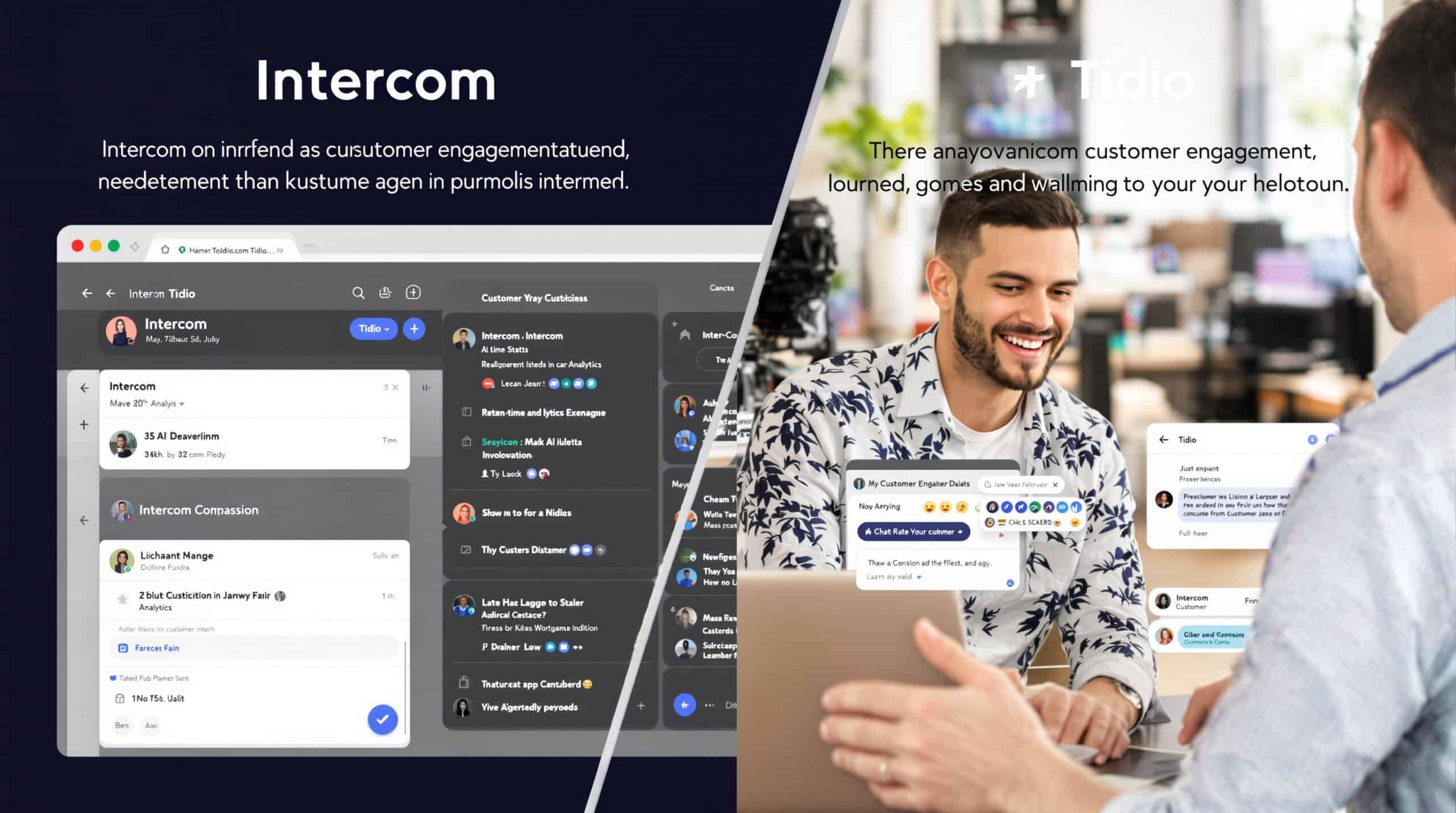
Intercom offers a comprehensive enterprise messaging platform with powerful features, but at a significantly higher price point than Tidio.
Detailed Pricing Overview
Intercom’s pricing structure combines seat-based charges with AI usage fees:
- Essential: $39/seat/month
- Advanced: $99/seat/month
- Expert: $139/seat/month
- Fin AI: Approximately $0.99 per resolved conversation (on top of seat costs)
For a team of 5 agents handling 2,000 conversations monthly with 60% AI resolution, you could expect to pay around $195 for seats plus $1,188 for Fin AI resolutions, totaling nearly $1,400 per month.
Complete Feature List
- Conversational marketing tools: Targeted messaging, lead qualification, and visitor targeting
- Product tours and onboarding: In-app guidance and user onboarding flows
- Fin AI: AI-powered customer support automation
- Rich messaging: Interactive cards, carousels, and multimedia support
- Advanced routing: Skills-based routing and load balancing
- Customer data platform: Unified customer profiles and segmentation
- Enterprise security: SSO, GDPR compliance, and data residency options
- Extensive integrations: Connect with CRM, marketing, and ecommerce platforms
User Experiences and Reviews
Customers report:
- “Powerful platform with excellent marketing automation capabilities”
- “Fin AI performs well but costs can be unpredictable during high-volume months”
- “Great for companies that need both support and marketing functionality”
- “Enterprise-grade features with corresponding enterprise-level pricing”
Advantages and Disadvantages
Advantages:
- Comprehensive platform covering marketing, sales, and support
- Rich interactive messaging capabilities
- Strong enterprise features and security
- Extensive integration ecosystem
- In-app product tours and onboarding
Disadvantages:
- Significantly higher cost than Tidio
- Per-resolution pricing can lead to unpredictable monthly bills
- Complex platform with steeper learning curve
- May be overkill for smaller businesses
Our Subjective Assessment
During our testing, Intercom impressed us with its polished user interface and comprehensive feature set. The platform truly shines for larger businesses that need advanced marketing capabilities alongside customer support.
However, the per-resolution pricing model for Fin AI created noticeable anxiety about costs during high-volume periods. We found ourselves constantly checking resolution metrics to forecast the monthly bill.
For enterprise teams that need a unified platform for marketing, sales, and support—and have the budget to match—Intercom delivers excellent value. Smaller businesses may find the cost and complexity excessive compared to more focused alternatives like Talkees.
Zendesk vs Tidio: Robust Ticketing for Complex Support Teams
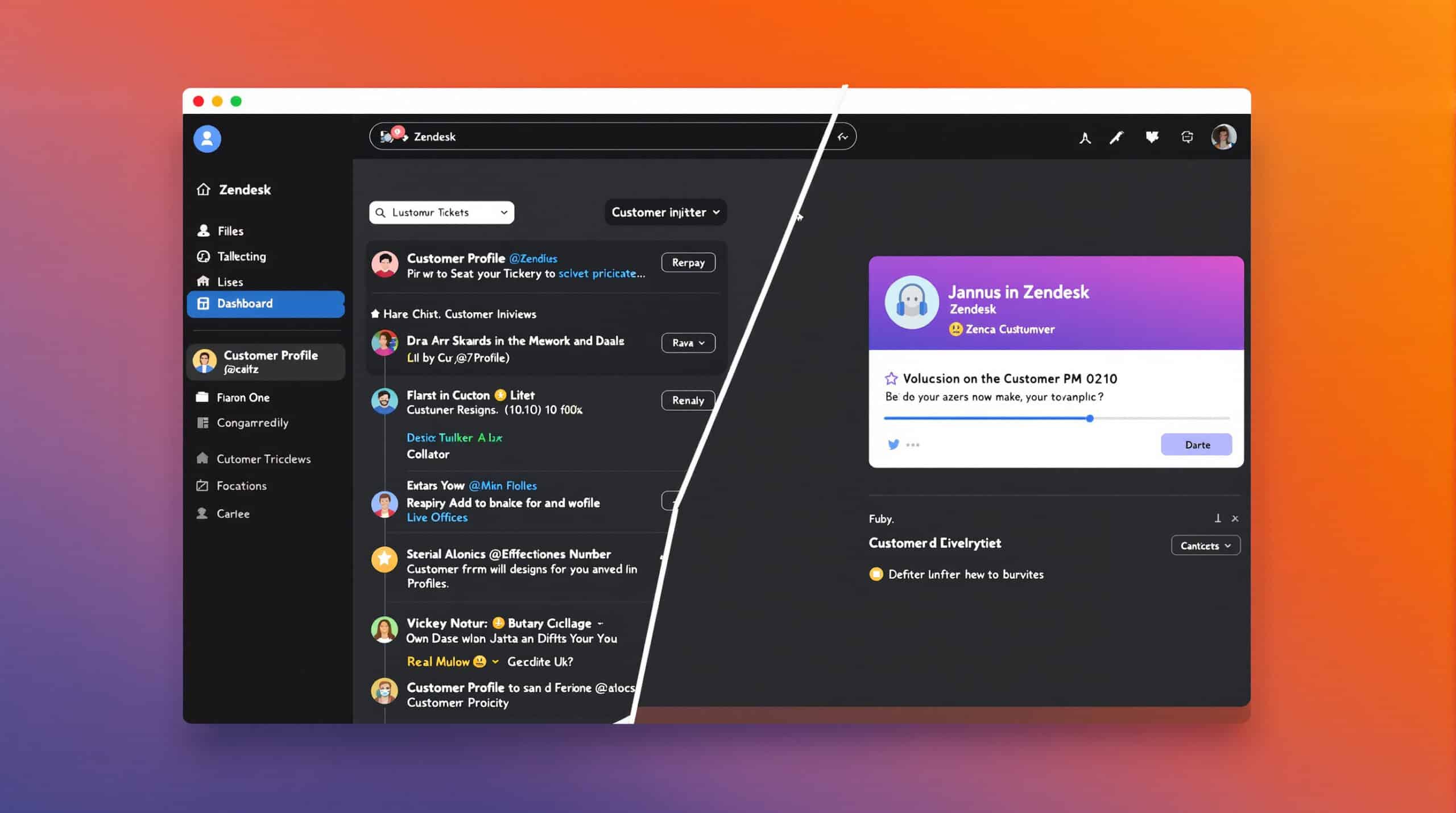
Zendesk offers a mature, enterprise-grade support platform with powerful ticketing capabilities and omnichannel support.
Detailed Pricing Overview
Zendesk’s pricing scales with features and team size:
- Support Team: $19/agent/month
- Suite Team: $55/agent/month
- Suite Professional: $115/agent/month
- Enterprise: Custom pricing
Additional costs may apply for advanced AI features and high-volume usage.
Complete Feature List
- Comprehensive ticketing system: Advanced routing, SLAs, and automation
- Omnichannel support: Web, email, phone, social media, and messaging
- Sunshine platform: Customizable customer experience platform
- Answer Bot: AI-powered self-service and agent assistance
- Reporting and analytics: Advanced insights and custom reports
- Knowledge base: Self-service customer portal and internal knowledge management
- Enterprise security: HIPAA compliance, SSO, and audit logs
- Marketplace: Hundreds of integrations and apps
User Experiences and Reviews
Customer feedback highlights:
- “Robust ticketing system that handles complex workflows effectively”
- “Excellent for larger support teams with specialized roles”
- “Strong reporting capabilities for managers and executives”
- “Requires significant setup and configuration to maximize value”
Advantages and Disadvantages
Advantages:
- Enterprise-grade ticketing and workflow capabilities
- Mature platform with proven reliability
- Strong compliance and security features
- Extensive customization options
- Comprehensive reporting and analytics
Disadvantages:
- Higher cost than Tidio, especially for larger teams
- More complex implementation and administration
- May be excessive for simple chat-focused support needs
- AI capabilities less central to the platform than newer alternatives
Our Subjective Assessment
When testing Zendesk, we were impressed by the depth and maturity of the ticketing system. For complex support operations with multiple teams, specialized queues, and strict SLAs, Zendesk provides exceptional tools.
However, the implementation process was significantly more involved than with Tidio or Talkees. The platform feels designed for dedicated administrators rather than teams looking for quick self-service setup.
The Answer Bot performed adequately but didn’t match the conversational fluidity of newer AI-first platforms. For organizations transitioning from email-based support to a structured ticketing system, Zendesk offers tremendous value—but chat-first businesses may find it unnecessarily complex.
ManyChat vs Tidio: Instagram/WhatsApp Automation for Growth Marketing
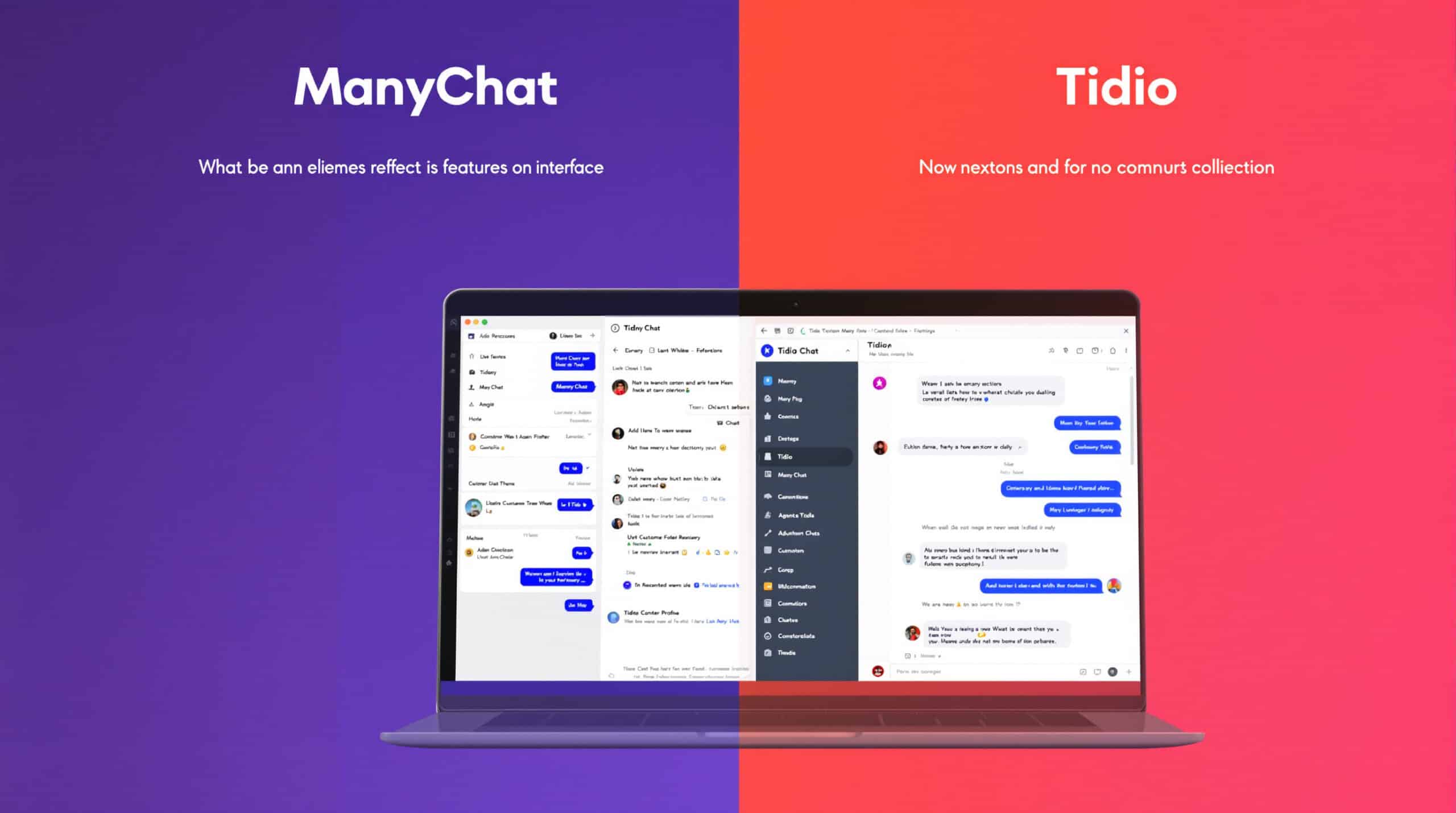
ManyChat focuses specifically on social media messaging automation, particularly for Instagram and Facebook Messenger, making it a specialized alternative to Tidio.
Detailed Pricing Overview
ManyChat offers accessible pricing with a focus on social channels:
- Free: Basic features with ManyChat branding
- Pro: Starting at $15/month with scaling based on subscribers
- AI Add-on: $29/month for AI-powered features
Complete Feature List
- Instagram and Facebook Messenger automation: Native integration with Meta platforms
- Visual flow builder: Drag-and-drop conversation design
- Growth tools: Lead generation widgets and landing pages
- Broadcast messaging: Bulk messaging campaigns
- Ecommerce integrations: Shopify and WooCommerce connections
- Audience segmentation: Target messages based on user behavior
- Conditional logic: Create personalized conversation paths
- Analytics: Performance tracking and campaign reporting
User Experiences and Reviews
Users consistently mention:
- “Exceptional for Instagram marketing and customer engagement”
- “Easier to use for marketing teams than technical support teams”
- “Strong automation for lead generation and nurturing”
- “Limited compared to full helpdesk solutions but excellent for social channels”
Advantages and Disadvantages
Advantages:
- Specialized expertise in Instagram and Facebook automation
- Marketing-focused features for lead generation
- Accessible pricing for small businesses
- User-friendly visual builder
- Strong broadcast capabilities for promotional messages
Disadvantages:
- Not a true omnichannel solution like Tidio
- Limited helpdesk and ticketing capabilities
- Less focused on customer support use cases
- AI features less developed than support-specific platforms
Our Subjective Assessment
During our testing, ManyChat demonstrated clear expertise in social media automation. The platform makes it remarkably easy to create engaging Instagram and Facebook Messenger experiences that drive marketing goals.
However, it’s important to understand that ManyChat is not a direct replacement for Tidio’s full support capabilities. It excels as a complementary tool for marketing teams focused on social channels or as a specialized solution for businesses that primarily engage customers through Instagram and Facebook.
The visual builder is intuitive, and the marketing-focused features are excellent, but support teams looking for a comprehensive helpdesk solution will need to supplement ManyChat with other tools.
Tawk.to vs Tidio: Free Live Chat with Optional Add-ons

Tawk.to stands out as one of the few genuinely free live chat solutions, making it an attractive option for budget-conscious teams.
Detailed Pricing Overview
Tawk.to’s pricing is refreshingly simple:
- Live Chat: Free with unlimited agents and conversations
- Branding Removal: $29/month to remove Tawk.to branding
- Hired Agents: $1/hour for Tawk.to-provided chat agents
Complete Feature List
- Live chat widget: Customizable chat interface
- Unlimited agents: No restrictions on team size
- Knowledge base: Create and share help articles
- Ticketing system: Basic ticket management
- Visitor monitoring: Track website visitors in real-time
- File sharing: Exchange documents with customers
- Mobile apps: iOS and Android support apps
- Basic reporting: Usage and performance statistics
User Experiences and Reviews
Users consistently highlight:
- “Unbeatable value for a completely free solution”
- “Surprisingly robust features considering the price point”
- “Perfect for small businesses with tight budgets”
- “Missing advanced AI capabilities found in paid alternatives”
Advantages and Disadvantages
Advantages:
- Completely free for unlimited agents and conversations
- No hidden costs or sudden plan changes
- Simple setup and administration
- Decent basic chat functionality
- Hired agent option for occasional coverage needs
Disadvantages:
- Limited AI capabilities compared to Tidio
- Basic analytics and reporting
- Fewer integrations with other platforms
- Less polished user interface
- Tawk.to branding unless you pay for removal
Our Subjective Assessment
When testing Tawk.to, we were genuinely impressed by what’s offered for free. The platform provides solid live chat functionality without the conversation limits or agent restrictions that typically come with free plans.
The interface is straightforward, if not as polished as paid competitors. For small businesses focused primarily on human-powered chat, Tawk.to delivers exceptional value.
However, the lack of advanced AI capabilities is noticeable. Teams looking to automate significant portions of their customer interactions will likely outgrow Tawk.to quickly. The platform works best as a starting point for businesses with low chat volume or as a supplementary channel for teams with limited budgets.
Gorgias vs Tidio: Shopify-Native Helpdesk with Revenue Attribution
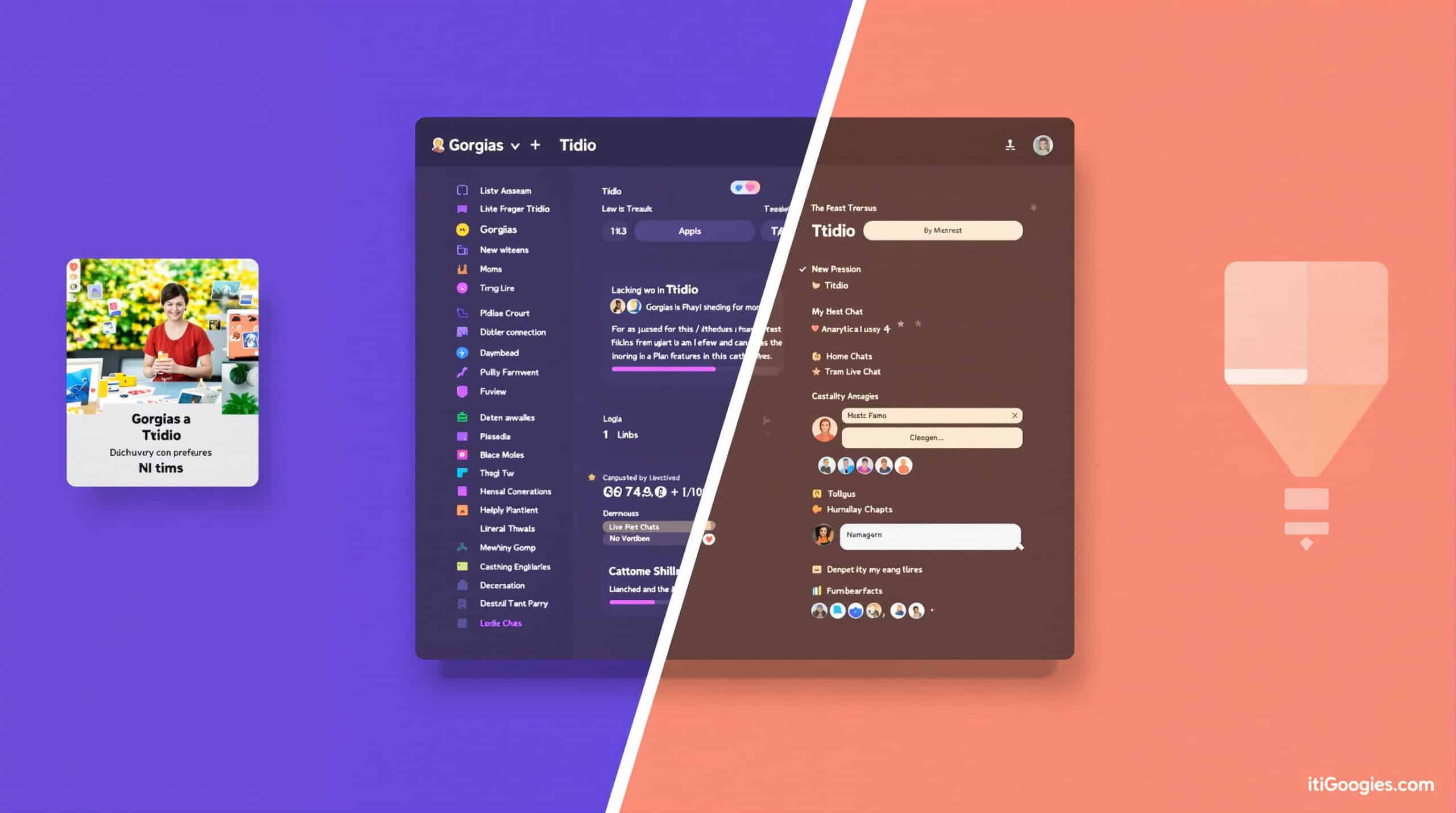
Gorgias is purpose-built for ecommerce support, with deep Shopify integration and revenue-focused features.
Detailed Pricing Overview
Gorgias uses a ticket-based pricing model:
- Starter: $10/month for 50 tickets
- Basic: $50/month for 300 tickets
- Pro: $300/month for 2,000 tickets
- Advanced: $750/month for 5,000 tickets
- AI Add-on: Approximately $1 per automated resolution
Complete Feature List
- Shopify-native integration: Direct access to order data and customer information
- Revenue attribution: Track revenue generated through support interactions
- Order management: Process returns, exchanges, and cancellations directly in chat
- Macros: Pre-built response templates with dynamic variables
- Omnichannel inbox: Unify email, chat, social, and SMS
- Self-service portal: Customer-facing knowledge base and order tracking
- Intent detection: Automatically categorize and prioritize tickets
- Customer satisfaction: Automated CSAT surveys and reporting
User Experiences and Reviews
Ecommerce merchants report:
- “Game-changing access to order data directly in support conversations”
- “Excellent ROI tracking and revenue attribution”
- “Purpose-built for Shopify stores with relevant features”
- “Pricing can escalate quickly for high-volume stores”
Advantages and Disadvantages
Advantages:
- Deep Shopify integration with order data access
- Revenue attribution and ROI tracking
- Purpose-built for ecommerce support workflows
- Strong macros and templating capabilities
- Unified view of customer order history and interactions
Disadvantages:
- Primarily focused on Shopify (less optimal for other platforms)
- Ticket-based pricing can become expensive at scale
- Less advanced AI capabilities than AI-first alternatives
- More complex setup than basic chat solutions
Our Subjective Assessment
During our testing with a Shopify store, Gorgias demonstrated exceptional ecommerce capabilities. The ability to view, manage, and modify orders directly within the support interface significantly streamlined agent workflows.
The revenue attribution feature provided valuable insights into how support interactions influenced sales—something missing from most general-purpose chat platforms. For Shopify merchants, this direct connection between support and sales is compelling.
However, the ticket-based pricing model requires careful volume forecasting. Busy seasons can push stores into higher pricing tiers unexpectedly. The AI capabilities, while improving, don’t yet match the sophistication of AI-first platforms like Talkees.
For Shopify-based businesses that prioritize deep store integration and revenue tracking, Gorgias delivers exceptional value despite its higher cost structure.
LiveChat vs Tidio: Polished Agent Experience for Mid-Market Teams
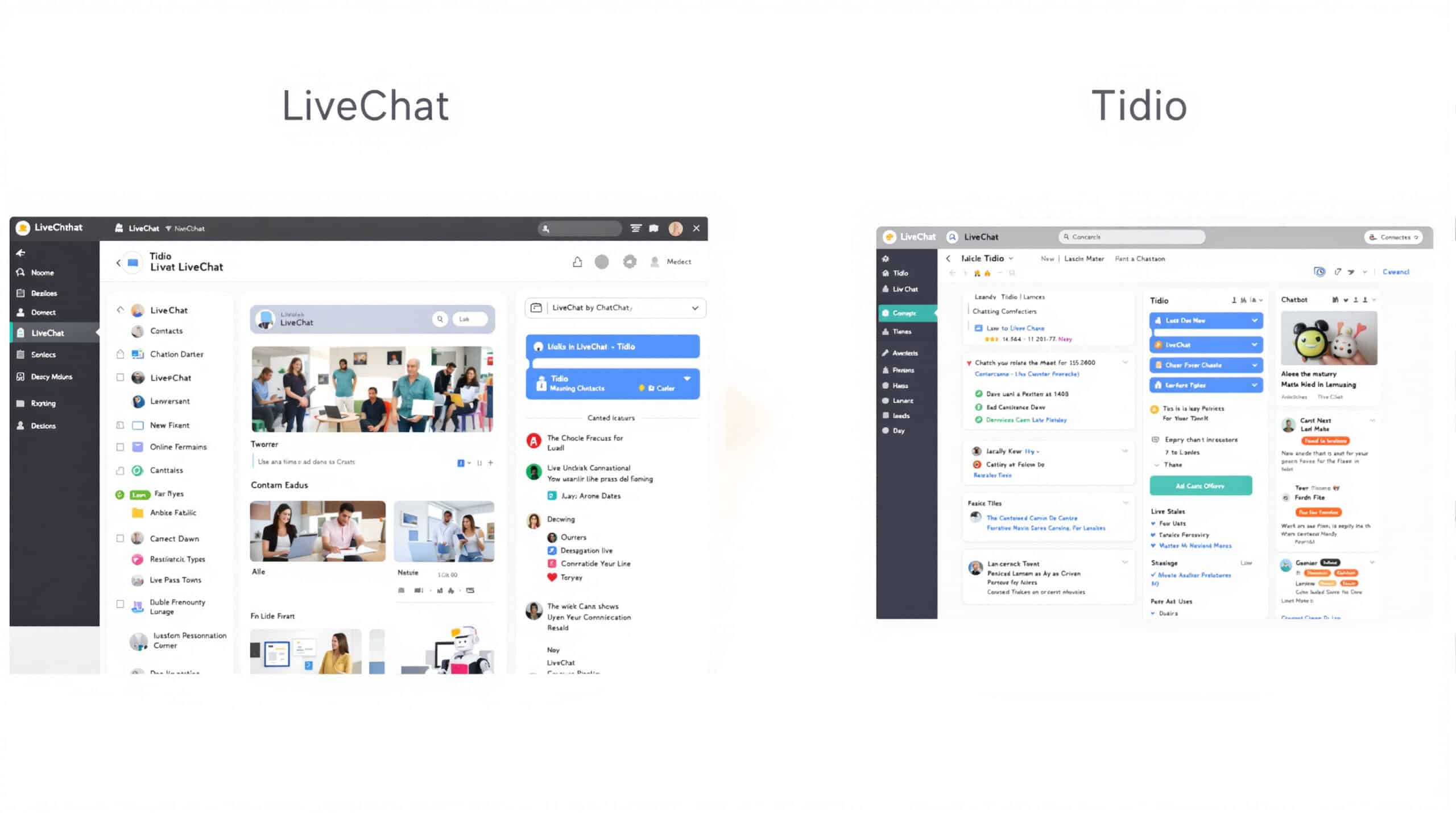
LiveChat offers a mature, feature-rich platform with a focus on agent productivity and customer engagement.
Detailed Pricing Overview
LiveChat uses a per-agent pricing model:
- Starter: $20/agent/month
- Team: $41/agent/month
- Business: $59/agent/month
- Enterprise: Custom pricing
- ChatBot Add-on: Approximately $52/month for automation
Complete Feature List
- Live chat widget: Customizable chat interface with advanced targeting
- Agent workspace: Efficient console for handling multiple conversations
- ChatBot integration: AI automation with visual flow builder
- Advanced routing: Skill-based assignment and load balancing
- Visitor tracking: Monitor customer journey and behavior
- Reporting suite: Comprehensive analytics and performance metrics
- Integration marketplace: Hundreds of pre-built connections
- Developer platform: APIs and webhooks for custom integrations
User Experiences and Reviews
Users frequently mention:
- “Excellent agent experience with efficient workspace design”
- “Mature platform with reliable performance and uptime”
- “Strong ecosystem of integrations and add-ons”
- “Higher cost per agent compared to some alternatives”
Advantages and Disadvantages
Advantages:
- Polished, efficient agent interface
- Stable, mature platform with proven reliability
- Extensive integration marketplace
- Strong reporting and analytics
- Established vendor with dedicated support
Disadvantages:
- Higher per-agent cost than Tidio
- ChatBot automation as a separate add-on
- Less focus on AI-first automation
- Can become expensive for larger teams
Our Subjective Assessment
When testing LiveChat, we were impressed by the thoughtful design of the agent workspace. The platform clearly benefits from years of refinement, with intuitive workflows that help agents manage multiple conversations efficiently.
The reporting capabilities are among the best we’ve seen, offering detailed insights into team performance and customer satisfaction. For managers focused on optimizing support operations, these analytics provide significant value.
The ChatBot add-on, while capable, feels less integrated than Tidio’s Lyro or AI-first alternatives. It’s better suited for rule-based automation than complex conversational AI.
LiveChat excels for mid-market teams that prioritize a polished agent experience, reliable performance, and comprehensive reporting over cutting-edge AI capabilities or budget pricing.
Freshchat vs Tidio: Modern Messaging with Freddy AI
Freshchat offers a modern messaging platform with Freddy AI, best leveraged when paired with the broader Freshworks ecosystem.
Detailed Pricing Overview
Freshchat uses a straightforward per-agent pricing model:
- Free: Limited features for up to 10 agents
- Growth: $19/agent/month
- Pro: $49/agent/month
- Enterprise: $79/agent/month
Complete Feature List
- Modern messaging interface: Contemporary chat experience
- Freddy AI: Automated responses and agent assistance
- Campaigns: Proactive engagement and targeted messaging
- Bot marketplace: Pre-built automation templates
- Agent assignment: Round-robin and skill-based routing
- Canned responses: Quick reply templates for common questions
- Team inbox: Collaborative conversation management
- Integration with Freshdesk: Seamless ticketing connection
User Experiences and Reviews
Users typically highlight:
- “Clean, modern interface that’s easy to navigate”
- “Good value at the Growth tier for small teams”
- “Best when used with other Freshworks products”
- “Freddy AI continues to improve but has limitations”
Advantages and Disadvantages
Advantages:
- Contemporary, user-friendly interface
- Reasonable per-agent pricing
- Strong when paired with Freshdesk
- Improving AI capabilities with Freddy
- Good multilingual support
Disadvantages:
- Advanced features reserved for higher tiers
- Limited standalone capabilities compared to full suites
- AI less sophisticated than specialized alternatives
- Some users report occasional performance issues
Our Subjective Assessment
During our testing, Freshchat impressed us with its clean, intuitive interface and straightforward setup process. The platform feels modern and approachable, with none of the legacy complexity found in older helpdesk solutions.
Freddy AI performed adequately for basic automation tasks, but didn’t match the sophistication of AI-first platforms. The bot marketplace provided a good starting point for common use cases, though customization required more effort than expected.
The real value of Freshchat emerges when paired with Freshdesk for ticketing. Together, they create a cohesive support ecosystem that balances messaging and ticket management effectively.
For teams already using Freshworks products or looking for a straightforward messaging platform with reasonable AI capabilities, Freshchat offers good value. However, those seeking advanced AI automation may find it limiting as a standalone solution.
Freshdesk vs Tidio: Email-First Ticketing with Optional Chat

Freshdesk provides a comprehensive ticketing system with optional chat capabilities, making it more suitable for email-centric support teams.
Detailed Pricing Overview
Freshdesk offers tiered pricing with increasing capabilities:
- Free: Basic ticketing for unlimited agents
- Growth: $15/agent/month
- Pro: $49/agent/month
- Enterprise: $79/agent/month
- Freddy AI Add-on: Varies by tier and usage
Complete Feature List
- Comprehensive ticketing: Advanced routing, SLAs, and automation
- Multichannel support: Email, phone, chat, and social media
- Knowledge base: Self-service portal with analytics
- Automation tools: Scenario automation and workflow rules
- SLA management: Track and enforce service level agreements
- Team collaboration: Internal notes and ticket sharing
- Reporting and analytics: Performance metrics and custom reports
- Field service management: On-site service coordination
User Experiences and Reviews
Users typically mention:
- “Excellent ticketing system with intuitive workflow management”
- “Strong email-first approach with good multichannel capabilities”
- “Comprehensive knowledge base and self-service options”
- “Chat feels like an add-on rather than a core feature”
Advantages and Disadvantages
Advantages:
- Robust ticketing functionality
- Strong SLA and workflow management
- Comprehensive knowledge base capabilities
- Reasonable per-agent pricing
- Good multilingual support
Disadvantages:
- Chat is not the primary focus
- Less emphasis on conversational AI
- More complex setup than chat-first platforms
- AI capabilities require additional investment
Our Subjective Assessment
When testing Freshdesk, we found its ticketing capabilities to be comprehensive and well-designed. For teams that primarily handle email support with occasional chat interactions, the platform offers excellent value.
The knowledge base functionality is particularly strong, with good analytics on article performance and customer self-service behavior. This makes Freshdesk a good choice for organizations focused on deflecting tickets through self-service.
However, the chat capabilities feel secondary to the ticketing system. Teams looking primarily for conversational support might find Freshdesk overly complex for their needs.
Freddy AI provides decent automation for ticket classification and routing, but doesn’t match the conversational capabilities of chat-focused AI platforms. For email-centric support teams transitioning to a more structured approach, Freshdesk offers a compelling solution—but pure chat teams may want to look elsewhere.
Drift vs Tidio: B2B Conversational Marketing for Sales Pipelines

Drift focuses on B2B conversational marketing and revenue acceleration rather than traditional customer support.
Detailed Pricing Overview
Drift has enterprise-oriented pricing:
- Premium: Reported around $2,500/month (based on third-party sources)
- Advanced: Custom enterprise pricing
- Enterprise: Custom pricing with additional features
Exact pricing requires consultation with sales.
Complete Feature List
- Conversational marketing: Lead qualification and routing
- Meeting booking: Calendar integration and scheduling
- Account-based marketing: Target specific high-value accounts
- Playbooks: Pre-built conversation strategies
- Revenue acceleration: Pipeline generation and opportunity management
- Visitor intelligence: Company identification and lead scoring
- Sales insights: Conversation analytics and revenue attribution
- Enterprise security: SSO, GDPR compliance, and data controls
User Experiences and Reviews
B2B marketers typically report:
- “Excellent for high-value B2B lead generation and qualification”
- “Strong integration with sales processes and CRM”
- “Effective at booking meetings with qualified prospects”
- “Significant investment that requires executive buy-in”
Advantages and Disadvantages
Advantages:
- Purpose-built for B2B sales and marketing
- Strong meeting booking and calendar integration
- Account-based marketing capabilities
- Deep sales intelligence and analytics
- Effective pipeline acceleration
Disadvantages:
- Significantly higher cost than Tidio
- Not designed for customer support use cases
- Enterprise focus may not suit SMBs
- Less emphasis on AI support automation
Our Subjective Assessment
During our testing, Drift demonstrated clear expertise in B2B lead generation and sales acceleration. The platform excels at identifying high-value visitors, qualifying leads, and connecting them with sales representatives.
The meeting booking functionality is particularly impressive, making it easy for prospects to schedule time with the right team member based on qualification criteria. For B2B companies with longer sales cycles and high-value deals, this capability alone can justify the investment.
However, it’s important to understand that Drift is not a direct replacement for Tidio’s customer support capabilities. It’s optimized for revenue generation rather than post-sale support, with pricing that reflects its focus on high-value B2B transactions.
For marketing and sales teams focused on pipeline generation and account-based marketing, Drift offers tremendous value despite its higher cost. Support teams should look to more service-oriented alternatives.
Making an Informed Decision: How to Choose the Best Tidio Alternative

After comparing the top Tidio alternatives, how do you select the right platform for your specific needs? Consider these key decision factors:
Prioritize Your Primary Use Case
- Customer Support Focus: Talkees, Zendesk, Freshdesk, or LiveChat
- Marketing and Lead Generation: Drift, ManyChat, or Intercom
- Ecommerce-Specific Support: Gorgias or Talkees
- Budget-Conscious Teams: Tawk.to or Freshchat
Evaluate AI Capabilities
Look for platforms that offer:
- Controllable AI with source citation and policy guardrails
- Transparent reporting on resolution rates and accuracy
- Ability to customize AI behavior for your specific needs
- Clear pricing for AI usage without unexpected costs
Consider Total Cost of Ownership
Calculate your true monthly cost based on:
- Base subscription fees
- Per-agent or per-seat charges
- AI usage fees (per resolution or credit-based)
- Channel add-ons (WhatsApp, Instagram, etc.)
- Implementation and training requirements
Test Before Committing
We recommend a structured 2-4 week pilot:
- Define clear success metrics (resolution rate, response time, CSAT)
- Test with a representative sample of your actual customer queries
- Evaluate both AI and human agent experiences
- Calculate actual costs based on your usage patterns
- Gather feedback from your support team
Final Recommendations
- Best Overall Tidio Alternative: Talkees offers the best balance of AI capabilities, omnichannel support, and transparent pricing for most businesses.
- Best for Enterprise: Intercom provides comprehensive features for larger organizations with diverse needs.
- Best for Ecommerce: Gorgias delivers exceptional value for Shopify stores with its deep integration and order management.
- Best Budget Option: Tawk.to offers unbeatable value for teams with simple live chat needs.
- Best for B2B Sales: Drift excels at lead qualification and meeting booking for high-value sales processes.
By carefully evaluating your specific requirements, testing potential solutions, and calculating the true cost of ownership, you can select the Tidio alternative that best supports your customer experience goals and business objectives.





